

In today’s healthcare landscape, pharmacies face rising regulatory pressure, increasing patient expectations, and rapid digital transformation. Pharmacy management software development has become essential for streamlining operations and ensuring safety. Yet many pharmacy teams struggle to find trustworthy, step-by-step guidance amidst vendor noise and technical jargon.
This comprehensive playbook delivers an expert-guided roadmap covering every stage of pharmacy management system (PMS) development—from initial planning to real-world implementation. You’ll gain clarity on choosing features, ensuring compliance, optimizing costs, and adopting the latest trends like AI and IoT. By the end, pharmacy leaders and IT professionals will be equipped to make well-informed, future-ready technology decisions.
What Is Pharmacy Management Software Development?
Pharmacy management software development is the process of designing, building, and deploying digital systems that automate prescription handling, inventory control, billing, compliance, and reporting for pharmacies.
Core modules typically include:
- Prescription processing and workflow automation
- Inventory tracking and management
- Billing, invoicing, and insurance claims
- Regulatory compliance (e.g., HIPAA, DEA)
- Patient data management and safety features
The development process can involve creating custom software tailored to specific pharmacy needs or customizing off-the-shelf solutions to fit unique workflows and compliance requirements.
What Are the Core Features and Functional Modules of Pharmacy Management Systems?
Modern pharmacy management systems (PMS) automate and optimize key pharmacy workflows. Here are the essential features and modules found in leading solutions:
| Feature/Module | Description |
| Prescription Automation | Streamlined e-prescribing, refills, validation, and error reduction |
| Inventory Management | Real-time stock tracking, barcode scanning, expiration/recall alerts |
| Billing & Insurance Claims | Automated claim submission, invoicing, copay reconciliation |
| Patient Data Management | Comprehensive profiles, allergy/drug interaction checks |
| Medication Safety Tools | Automated alerts for dosage, interactions, and compliance |
| Workflow Automation & Alerts | Task reminders, escalations, rapid issue response |
| Reporting & Analytics | Sales, inventory, compliance, and performance dashboards |
Advanced systems may offer integration with electronic health records (EHR), point-of-sale (POS), and support for telepharmacy, as well as AI-driven analytics for improved operational decisions.
What Types of Pharmacy Management Software Exist? (Retail, Hospital, Specialty, Cloud, On-Premise)
Selecting the right type of pharmacy management software depends on your pharmacy’s setting, scale, and technology strategy.
| Type | Best For | Key Traits | Example Use Case |
| Retail Pharmacy | Drug stores, pharmacy chains | Fast prescription filling, customer engagement, POS | Community chain store |
| Hospital Pharmacy | Hospitals, clinics, institutions | Medication administration, EHR integration, complex billing | Large hospital system |
| Specialty Pharmacy | Compounding, 340B, outpatient care | Custom workflows, high-value medication tracking | Specialty compounding center |
| Cloud-Based PMS | Remote/multi-site, smaller teams | Accessibility, scalability, lower upfront costs | Startup pharmacy |
| On-Premise PMS | High security/control requirements | Local data storage, customized security controls | Hospital with strict IT policy |
Cloud systems offer flexibility and easier updates, while on-premise solutions allow more control over data security. Increasingly, pharmacies are adopting mobile and IoT-enabled systems for inventory automation and remote patient engagement.
Custom vs. Off-the-Shelf Pharmacy Management Solutions: How to Decide?
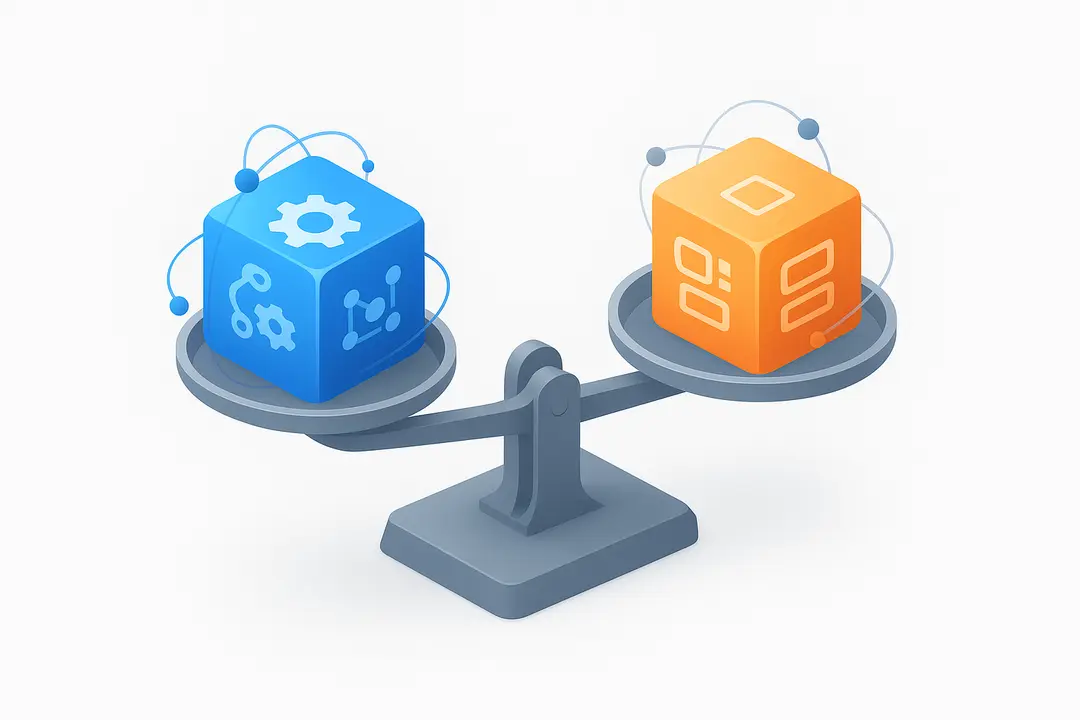
Pharmacy decision-makers must weigh the pros and cons of building a custom solution versus purchasing an off-the-shelf pharmacy management system (PMS).
| Criteria | Custom-Built PMS | Off-the-Shelf PMS |
| Fit for Workflow | Tailored to specific processes | Generalized; may require adaptation |
| Upfront Cost | Higher | Lower |
| Time to Deploy | Longer (months) | Faster (weeks) |
| Scalability | Highly scalable | Limited; may incur extra costs to scale |
| Integration | Custom integrations possible | Limited to supported vendors/APIs |
| Compliance Management | Direct control, updateable | Relies on vendor’s compliance updates |
When to build custom:
- Unique workflows or specialty requirements
- Need for deep system integration
- Regulatory nuances not covered by packaged solutions
When off-the-shelf is sufficient:
- Standard retail or hospital workflows
- Lower budget or urgent deployment
- Support and maintenance included
Case Example:
A regional specialty pharmacy required custom modules for compounding and 340B program management, prompting a custom build. In contrast, a new retail outlet successfully implemented an off-the-shelf solution for rapid go-live and standard compliance.
How to Develop a Pharmacy Management System: Step-by-Step Process
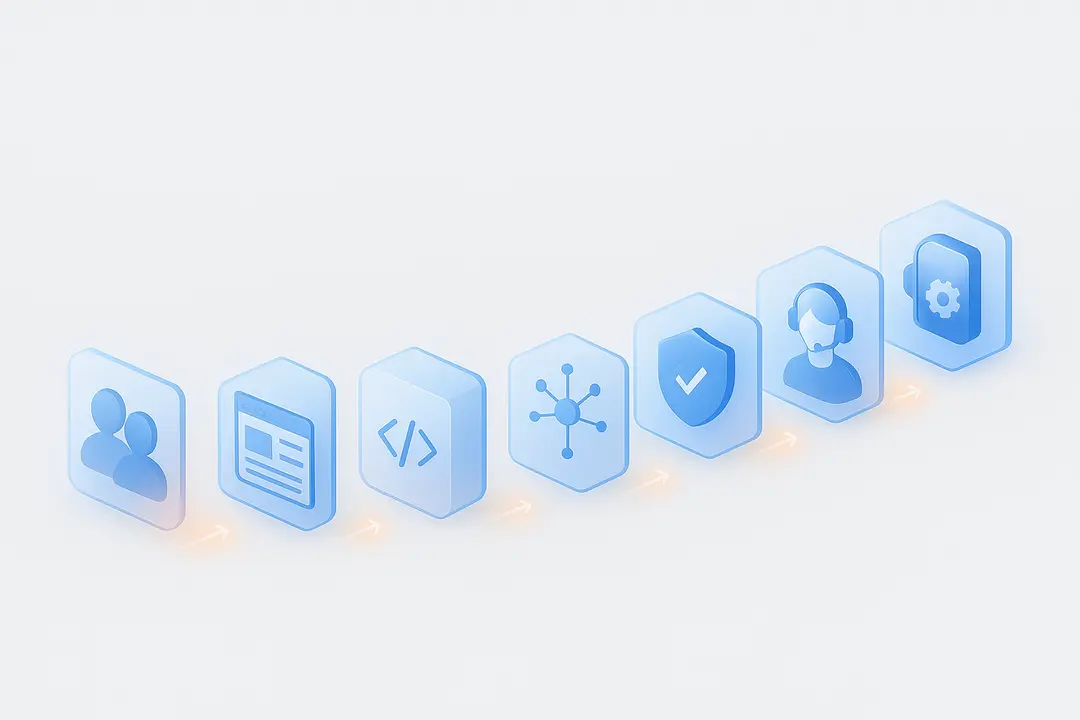
Developing an effective pharmacy management system requires a structured, transparent process to ensure compliance, usability, and operational value.
Step-by-step pharmacy management software development lifecycle:
- Requirements Gathering
- Involve stakeholders (pharmacists, IT, compliance)
- Define core workflows, reporting, and integration needs
- Capture regulatory requirements (HIPAA, DEA, GDPR)
- UX/UI Design
- Map pharmacy workflows into intuitive interfaces
- Emphasize error prevention and accessibility
- Core System Development
- Build prescription, inventory, billing, and safety modules
- Ensure modular architecture for future enhancements
- Integration
- Connect with EHR, POS, PBM, and supply chain systems
- Leverage standards like HL7/FHIR for interoperability
- Security and Compliance
- Implement role-based access controls and audit logging
- Address all legal mandates for patient data privacy
- Testing and Quality Assurance
- Conduct unit, integration, and user acceptance testing
- Validate performance, security, and regulatory adherence
- User Training and Feedback
- Train pharmacy staff and provide documentation
- Establish a feedback loop for continuous improvement
- Deployment, Support & Updates
- Transition to a live environment with rollback procedures
- Provide ongoing support, compliance updates, and upgrades
Following these steps helps de-risk the development process, ensures alignment with operational needs, and supports a smooth transition to digital workflows.
What Are the Essential Integrations and Interoperability Challenges?
Successful pharmacy management software must integrate seamlessly with other healthcare and business systems, but interoperability remains a frequent hurdle.
Essential Integrations:
- Electronic Health Records (EHR): Share and access patient prescription data in real time
- Point-of-Sale (POS): Synchronize sales, billing, and inventory adjustments
- Pharmacy Benefit Manager (PBM): Automate insurance claims and reimbursement
- Analytics/Reporting Tools: Enable data-driven decision-making
- Telepharmacy Solutions: Support remote patient care
Interoperability Standards:
- HL7 & FHIR: Industry standards for healthcare data exchange
- APIs: Enable secure, programmatic integration with third-party systems
Common Challenges and Solutions:
- Data format mismatches between systems—use of middleware or standardized APIs can help
- Security barriers—ensure robust authentication and data encryption
- Vendor lock-in—choose systems with open API access and documented integration pathways
Proactive planning for integrations at the outset of development is crucial for long-term scalability and compliance.
How Does Pharmacy Management Software Ensure Regulatory Compliance? (HIPAA, DEA, GDPR)
Pharmacy software is tightly regulated to protect patient privacy and ensure safe medication practices. Compliance features must be built in from the ground up.
U.S. Regulatory Framework:
- HIPAA (Health Insurance Portability and Accountability Act): Protects patient healthcare information
- DEA (Drug Enforcement Administration): Controls prescribed substances, record-keeping
International Compliance:
- GDPR (General Data Protection Regulation, EU): Covers health data privacy for European users
- CPPA (Canada), PDPB (India): Localized mandates for patient data security
Pharmacy Management Software Compliance Checklist:
- Role-based access controls
- Automated audit logging of data access and edits
- Encrypted data storage and transmission
- Real-time alerts for policy or compliance breaches
- Auto-generated compliance reports
- Configurable data retention and deletion policies
Common Pitfalls:
- Outdated compliance features after regulatory changes
- Poor user access management or password hygiene
Choosing or developing HIPAA-compliant pharmacy software—and maintaining continuous audit-readiness—protects your organization from legal risk and builds patient trust.
What Is the Real Cost of Pharmacy Management Software Development?
The cost to develop pharmacy management software varies based on solution type, required features, integrations, and compliance needs.
| Cost Item | Off-the-Shelf Range | Custom Development Range |
| Licensing/Subscription | $300–$1,000/month | N/A (one-time build) |
| Upfront Implementation | $5,000–$25,000 | $50,000–$250,000+ |
| Integrations | $2,000–$10,000+ | $10,000–$50,000+ |
| Annual Support/Maintenance | 15–20% of license fee | Custom agreement |
| Upgrades/Custom Features | Limited, extra charges | Bundled or new contracts |
Major cost drivers:
- Number and complexity of modules
- Cloud vs. on-premise infrastructure
- Integration with other systems (EHR, PBM, analytics)
- Regulatory compliance features
- User training and support needs
ROI Calculation Factors:
- Time-to-value (how quickly you realize efficiency gains)
- Productivity improvements and error reduction
- Cost avoidance from compliance and billing accuracy
Building a clear requirements document and requesting transparent quotes can help manage the budget and avoid hidden costs.
What Trends Are Shaping the Future of Pharmacy Management Software? (AI, IoT, Mobile)
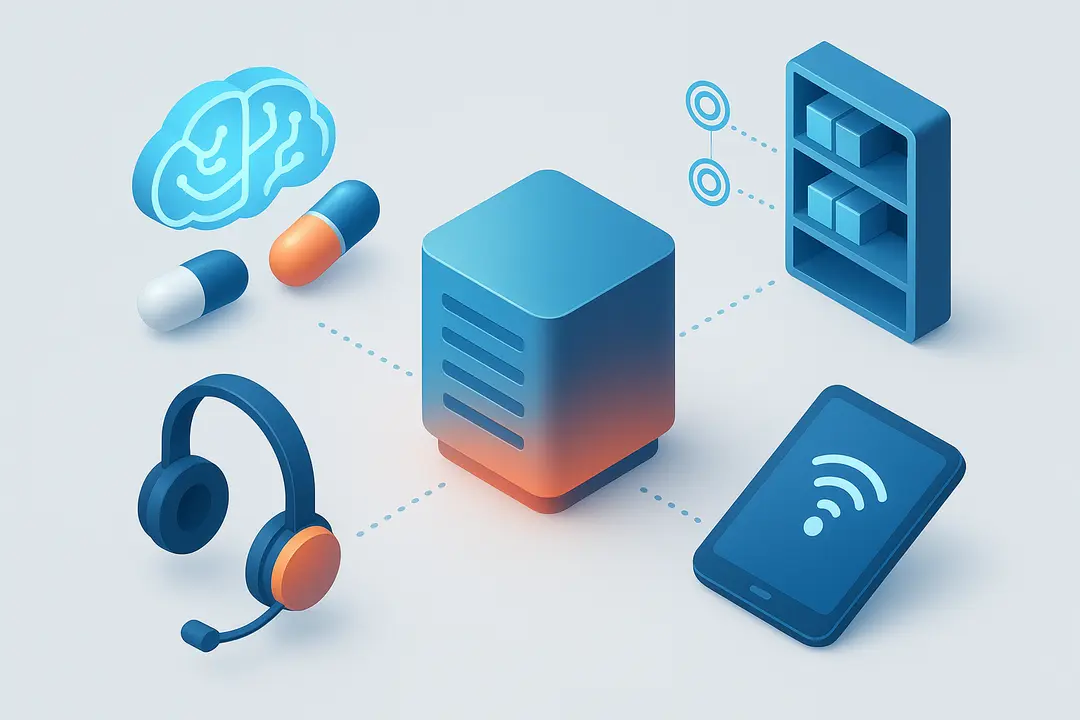
Emerging technology trends are transforming pharmacy management software, enabling smarter, safer, and more efficient operations.
| Trend | Description | Potential Impact |
| AI & Predictive Analytics | Machine learning for demand forecasting, error detection | Optimize inventory, reduce medication errors |
| IoT Integration | Smart shelves, automated dispensing robots | Real-time inventory, improved workflow automation |
| Mobile Workflow | Tablet/mobile apps for staff and patient engagement | Anywhere access, remote prescription management |
| Telepharmacy | Remote consultations and services | Expanded care coverage, especially rural areas |
| Open-Source & Low-Code | Modular, customizable platforms | Lower cost of ownership, faster innovation cycles |
Forward-thinking pharmacy teams are piloting these innovations to stay ahead of compliance, operational efficiency, and patient expectations.
What Are the Common Challenges, Risks, and Best Practices in Pharmacy Management Software Projects?
Pharmacy software implementation comes with its own set of hurdles. Addressing them early leads to smoother deployments and greater ROI.
Common Challenges:
- Data Migration Issues: Inconsistent legacy data formats risk data loss or errors.
- User Adoption Barriers: Staff resistance or inadequate training can hinder transitions.
- Vendor Lock-In: Proprietary systems may block future migrations or integrations.
- Security Risks: Insufficient controls invite data breaches or compliance violations.
Risk Mitigation and Best Practices:
- Conduct thorough requirements and workflow analysis
- Choose vendors or partners with proven healthcare IT experience
- Develop a structured change management and training plan
- Implement robust data backup and audit protocols
- Pilot the system before a full rollout
Best Practice Checklist for Successful Implementation:
- Early and broad stakeholder involvement
- Prioritize integrations and compliance from day one
- Schedule post-launch feedback and iterative improvements
Case Study: How Smithtown Specialty Pharmacy Successfully Implemented Next-Gen Pharmacy Management Software
Summary:
A specialty compounding pharmacy in Smithtown sought to automate complex workflows, comply with 340B program requirements, and improve dispensing safety. After careful assessment, the team opted for a custom pharmacy management solution with deep EHR and PBM integrations.
Implementation Snapshot:
- Challenge: Manual tracking led to inventory discrepancies and a high administrative burden.
- Solution: Custom PMS built for compounding, inventory automation, and real-time compliance reporting.
- Process: Engaged pharmacy and IT leads, mapped workflows, and executed phased staff training.
Outcomes:
- 40% reduction in administrative errors
- Compliance audit readiness improved
- Faster prescription turnaround and higher patient satisfaction
Expert Insight:
“As pharmacists, our focus is on patient safety. Custom software now alerts us instantly to any risk or error before medication is dispensed, which gives us confidence and peace of mind.”
— Jenna Curtis, PharmD, Director of Pharmacy Operations
Frequently Asked Questions About Pharmacy Management Software Development
What is pharmacy management software development and how does a system work?
Pharmacy management software development involves building systems that automate prescriptions, inventory, billing, and reporting. Modern pharmacy software development solutions help streamline operations using advanced pharmacy management system features.
What are the must have pharmacy management system features in pharmacy management software development?
Key pharmacy management system features include prescription automation, inventory tracking, billing integration, safety checks, workflow automation, and analytics. These are essential in pharmacy software development solutions.
How does pharmacy management software development ensure HIPAA compliance?
Pharmacy management software development ensures compliance through encryption, access control, audit logs, and monitoring. Strong pharmacy software development solutions follow strict standards to protect data.
Is custom pharmacy management software development better than off the shelf solutions?
Custom pharmacy management software development is ideal for tailored workflows, while ready solutions are faster and cost effective. Choosing between pharmacy software development solutions depends on your needs.
What is the cost of pharmacy management software development?
Pharmacy management software development typically costs between $50,000 and $250,000 or more. Costs vary based on complexity, integrations, and pharmacy management system features.
How do pharmacy software development solutions integrate with EHR systems?
Pharmacy management software development uses APIs like HL7 and FHIR to connect with EHR systems. This ensures secure data exchange within pharmacy software development solutions.
Are all systems from pharmacy management software development HIPAA compliant?
Not all systems are compliant by default. Always verify security standards when choosing pharmacy software development solutions with the required pharmacy management system features.
What trends are shaping pharmacy management software development?
Trends in pharmacy management software development include AI analytics, mobile access, telepharmacy, and automation. These innovations enhance pharmacy software development solutions.
What are common mistakes in pharmacy management software development?
Common mistakes include ignoring compliance, poor integration planning, and missing key pharmacy management system features. Strong pharmacy software development solutions avoid these issues.
How can pharmacies scale with pharmacy management software development?
Pharmacies can scale by using modular pharmacy management software development approaches and expanding pharmacy management system features over time.
What technologies are used in pharmacy management software development?
Pharmacy management software development typically uses modern stacks like React, Node.js, Java, and cloud platforms. These technologies support scalable pharmacy software development solutions.
How do you choose the right vendor for pharmacy management software development?
To succeed in pharmacy management software development, select vendors with healthcare expertise, compliance knowledge, and proven pharmacy software development solutions experience.
Conclusion: Key Takeaways and Next Steps for Pharmacy Leaders and IT Teams
Pharmacy management software development plays a critical role in improving efficiency, accuracy, and compliance in modern pharmacy operations. A well-designed system helps streamline workflows, reduce errors, and ensure better patient care.
Success depends on clearly understanding your operational needs, selecting the right features, and ensuring seamless integration with existing systems. Focusing on security, scalability, and user experience will help you build a solution that supports both current demands and future growth.
By taking a thoughtful and structured approach, pharmacies can adopt technology that enhances performance, strengthens compliance, and delivers long-term value.
Key Takeaways
- Pharmacy management software streamlines operations, compliance, and patient safety.
- Choosing between custom and off-the-shelf solutions depends on workflow complexity and integration needs.
- Essential features include prescription automation, inventory management, billing, compliance controls, and analytics.
- Integration, security, and regulatory compliance are critical to project success.
- Staying ahead with AI, IoT, and mobile innovations future-proofs pharmacy investments.
This page was last edited on 9 July 2026, at 11:10 am

Start a conversation with our team to solve complex challenges and move forward with confidence.










