
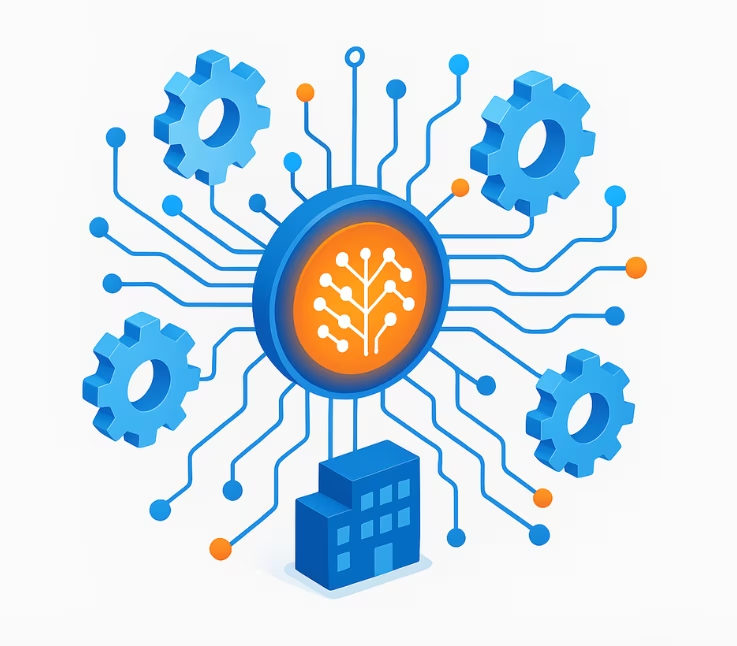
AI-powered internal tools are transforming how organizations build and deploy business-critical applications—accelerating workflows and raising expectations for security, speed, and scalability. Traditional internal tool development is costly and time-consuming, often limited by manual processes and technical bottlenecks. AI automation now offers a new path: rapid, secure, and governed app creation, dramatically reducing complexity while meeting rising enterprise demands.
This practical guide delivers a step-by-step playbook, real-world platform comparisons, and actionable strategies for evaluating, building, and governing AI-powered internal tooling—helping you build smarter, faster, and safer.
What Are AI-Powered Internal Tools?
AI-powered internal tools are business applications created or enhanced using artificial intelligence—automating workflows, streamlining operations, and enabling smarter decision-making with features like generative UI, automation, and predictive analytics.
An AI-powered internal tool is a custom business software solution driven by artificial intelligence (AI) that automates processes, integrates enterprise data, and simplifies app building—often through natural language and workflow automation.
Key Technologies:
- Natural Language Processing (NLP): Enables users to generate apps or components using plain English prompts.
- Generative AI: Automatically produces UI layouts, code, or data flows.
- Workflow Automation: Streamlines repetitive tasks and approvals.
- Role-Based Access Control (RBAC): Ensures users only access allowed features/data.
- Integrations: Connects to enterprise systems, APIs, databases (e.g., Salesforce, Postgres).

Use Cases Across Industries:
- Customer Support: Automated ticket routing apps.
- Operations: Inventory dashboards, approval workflows.
- Analytics: Data exploration tools, sales performance reports.
- HR: Onboarding trackers, feedback tools.
AI-powered internal tools stand apart from traditional no-code or low-code solutions by embedding intelligence, adaptive user experiences, and automated integration capabilities directly into app creation—often with far less manual effort.
How Is AI Changing Internal Tool Development?
AI is revolutionizing internal tool development by turning days or weeks of manual configuration into minutes of automated, intelligent app building.
Key Impacts:
- Rapid App Generation: AI-assisted builders can convert a prompt or description directly into a working tool (“prompt-to-app”).
- Enhanced Flexibility & Intelligence: AI enables context-aware workflows, dynamic forms, and predictive analytics.
- Natural Language UIs: Users—even non-developers—can generate or modify app features through simple language.
- Accelerated Prototyping: Instant iteration on designs, logic, and data integration.
Benefits of AI-Powered Internal Tools:
- Faster time-to-launch
- Lower development and maintenance costs
- Increased tool adoption by business teams
- Built-in recommendations, validation, and error reduction
Risks and Drawbacks:
- Explainability Challenges: How the AI operates behind the scenes can be opaque.
- Governance Issues: Without proper controls, shadow IT or unapproved tools may proliferate.
- Security Concerns: Unchecked integrations or permissions can pose new risks.
AI stands out versus manual, no-code, or low-code approaches by reducing friction for non-technical teams and enabling smarter, more adaptive internal tools.
How Do AI, No-Code, and Low-Code Internal Tools Compare?
![How Do AI, No-Code, and Low-Code Internal Tools Compare? [Decision Matrix]](https://riseuplabs.com/wp-content/uploads/2026/04/how-do-ai-no-code-and-low-code-internal-tools-compare-decision-matrix.webp)
Choosing the right approach—AI-powered, no-code, low-code, or custom code—depends on your organization’s needs, skills, compliance, and scale.
Comparison Table:
| Approach | Time to Build | Flexibility | Security/Governance | Cost | Scalability | Ideal User |
| AI-Powered | Fastest | Moderate–High | Advanced (if governed) | Moderate | High | Business users, IT |
| No-Code | Fast | Limited–Moderate | Moderate (simple apps) | Low | Moderate | Non-technical teams |
| Low-Code | Moderate | High | High (enterprise controls) | Moderate–High | High | IT/developers, PM |
| Custom Code | Slowest | Very High | Custom (max control) | Highest | Very High | Developers only |
Decision Tree/Checklist:
- Business User Readiness: Need for non-technical users → AI/No-code.
- Security/Compliance Needs: Strict governance required → AI/Low-code/Custom with strong controls.
- Complex Logic Required: Custom code or advanced low-code if highly bespoke.
- Budget Constraints: No-code and AI-powered platforms often reduce costs versus full custom builds.
Selecting between these approaches means weighing trade-offs in speed, flexibility, and compliance while aligning with your team’s technical capacity.
Which Platforms Offer AI-Powered Internal Tool Building?
A growing ecosystem of platforms brings AI-powered internal tool builders to business and technical users. Each offers unique strengths for rapid, secure development.
Platform Snapshot Table:
| Platform | Core Strengths | AI Features | Security/Governance | Price Range | Best For |
| Retool | Hybrid code + UI builder | Generative queries/UI, LLM | SSO, RBAC, audit logs | Mid–High (tiers) | Enterprise, IT teams |
| Superblocks | Compliance, governance focus | Governed AI, process flows | SOC 2, GDPR, custom logging | Enterprise plans | Regulated, large orgs |
| Zite | Fast text-to-app, ease of use | Text-to-app, AI suggestions | Permissioning, simple RBAC | Lower–Mid | Non-developers, business |
| Open-Source | Flexibility, customization | Varies* | Depends on config | Free/Self-hosted | Dev-centric teams |
*AI maturity and features vary widely on open-source projects.
Pros & Cons (Quick Look):
- Retool:
Pros: Robust security, deep feature set, code + low-code flexibility
Cons: More complexity for basic use cases, pricing at scale - Superblocks:
Pros: Top-tier compliance, enterprise data integrations
Cons: Enterprise focus may be overkill for SMBs - Zite:
Pros: Fastest setup, easiest for non-tech users
Cons: Limited logic/custom code support, less mature governance - Open-Source/Community Picks:
Pros: Customization, no cost
Cons: DIY governance/security, support limitations
When selecting a platform, prioritize alignment with your data security, compliance needs, user profiles, and anticipated scale.
What About Security, Governance, and Compliance in AI Internal Tools?
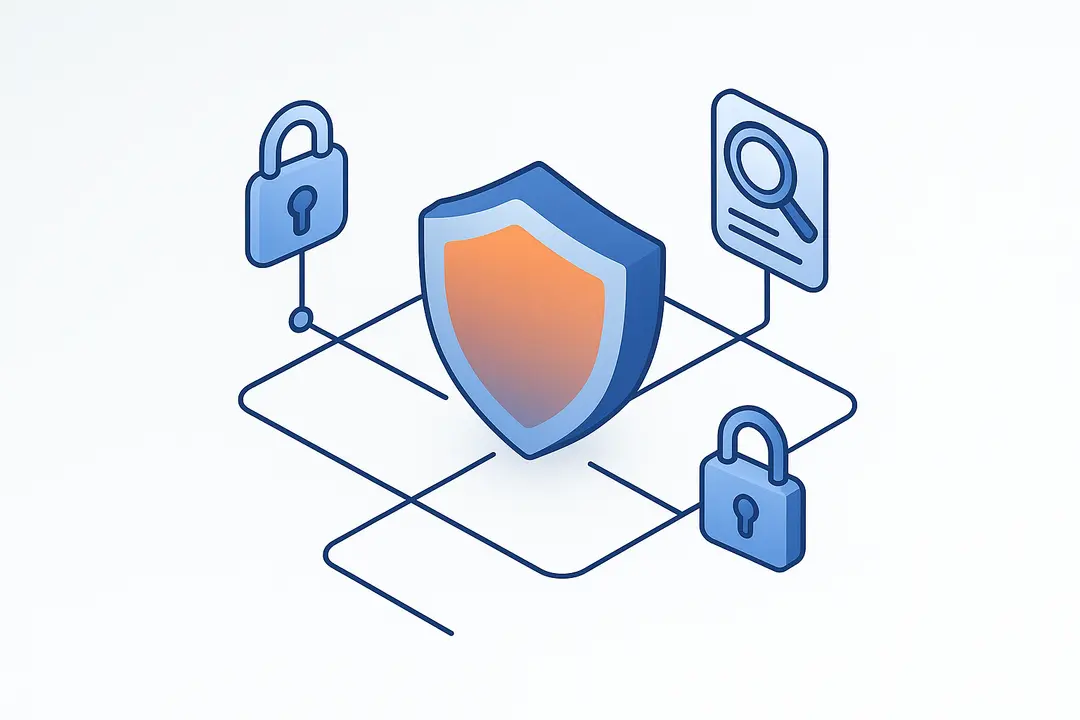
Security, governance, and compliance are foundational for enterprise AI-powered internal tool adoption.
Essential Security Features:
- Single Sign-On (SSO) & RBAC: Integrate with your enterprise identity system, finely control access.
- Audit Logging: Monitor changes, access, and app behavior over time.
- End-to-End Encryption: Protect sensitive data at rest and in transit.
- Data Residency/Retention Controls: Meet regional or industry-specific privacy expectations.
Compliance Frameworks:
- GDPR (EU data privacy)
- SOC 2 (US security attestation)
- HIPAA (US healthcare security)
- EU AI Act / US AI governance norms
Leading platforms like Retool and Superblocks provide detailed mapping of features to these frameworks. For full compliance, ensure:
- Transparent data flows (how AI processes/accesses data)
- Explainable logic (AI output can be understood/audited)
- Routine reviews of access logs and permissions
Governance Pitfalls to Avoid:
- Shadow IT: Unapproved tools created outside IT oversight.
- Insufficient auditability: No records of who built/modified what.
- Overly broad permissions: Increases legal and operational risk.
Mature governance frameworks and platform features help mitigate these risks and sustain trust.
How Do AI-Powered Internal Tools Integrate and Scale in Real Organizations?
Well-designed AI-powered internal tools must seamlessly connect to enterprise data and scale securely as needs grow.
Integration Essentials:
- API Connections: Integrate with databases (e.g., Postgres), CRMs (e.g., Salesforce), data lakes (e.g., Databricks), and other enterprise systems.
- Data Privacy: Enforce user-level permissioning, minimize unnecessary data retention, and maintain clear data flows.
Lifecycle & Maintenance:
- Continuous Updates: AI models and integrations require periodic updates for security and feature parity.
- Monitoring & Audit: Use platform-native or external monitoring to track uptime, user activity, and security events.
- Deprecation Planning: Regularly review and retire unused tools to reduce operational risk.
Total Cost of Ownership (TCO):
Includes platform licensing, integration/setup work, ongoing support, and compliance overhead. AI-powered platforms can reduce build/maintenance labor but may add costs for premium compliance/security tiers.
Successful adoption requires ongoing attention to integrations, lifecycle management, and cost-effectiveness.
Step-by-Step: How to Build Your First AI-Powered Internal Tool
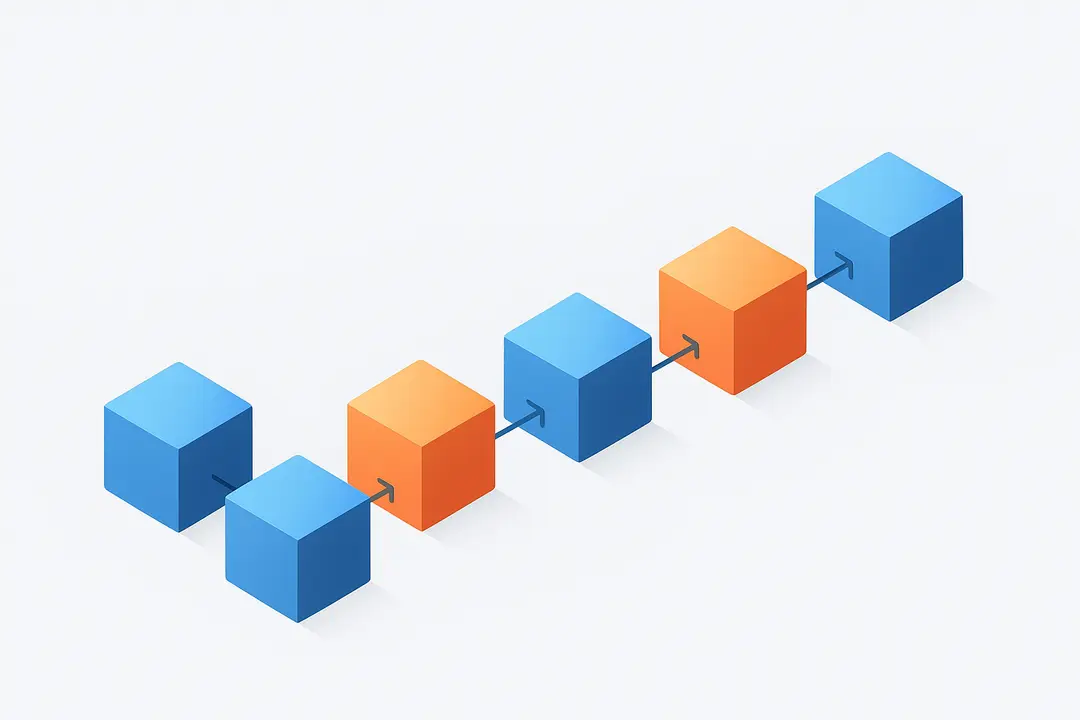
Building an AI-powered internal tool is faster and more accessible than ever. Here’s a stepwise approach to launching your first solution:
- Define Your Workflow and Requirements
Identify the process or problem to automate (e.g., approval with multi-stage steps).
List data sources, integrations, and outcome goals. - Choose a Compliant, Secure AI Platform
Select a platform that matches your security and compliance needs (e.g., SOC 2, GDPR support).
Review built-in RBAC and audit features. - Connect Data Sources Securely
Use secure APIs or direct connections to databases, CRMs, or cloud platforms—enforce least-privilege access. - Use Natural Language or Visual Builder to Generate Core App
Describe your tool or workflow in plain English, or assemble components using drag-and-drop.
Leverage AI suggestions to refine logic or layouts. - Configure Permissions and Access Controls (RBAC)
Assign roles (admin, editor, viewer), restrict sensitive data/actions as needed.
Set up SSO if available. - Test, Iterate, and Document Workflows
Validate workflows with realistic data.
Document key logic, user flows, and integration details. - Deploy and Monitor Usage
Enable audit trails, usage logs, and error monitoring.
Schedule regular reviews for security, compliance, and fit.
By following these steps, teams can rapidly prototype, deploy, and manage AI-enabled internal tools with strong governance.
Decision Table: AI vs. No-Code vs. Low-Code vs. Custom (Quick Reference)
Quickly compare the four main approaches to internal tool development with this decision table:
| Factor | AI-Powered | No-Code | Low-Code | Custom Code |
| Time to Build | Minutes–Days | Hours–Days | Days–Weeks | Weeks–Months |
| Security | High (if platform) | Varies (platform) | High | Very High |
| Flexibility | Moderate–High | Limited–Moderate | High | Very High |
| Maintenance | Low–Moderate | Low | Moderate | High |
| Skill Level Needed | Any (incl. non-dev) | Non-technical | Semi-technical | Developers |
| Governance | Advanced* | Basic–Moderate | Advanced | Customizable |
| Cost | Moderate | Low–Moderate | Moderate–High | High |
* Advanced governance depends on platform choice.
For organizations balancing security, speed, and capability, AI-powered platforms often offer the best blend of accessibility and governance.
Frequently Asked Questions: AI-Powered Internal Tooling
What is an AI-powered internal tool?
An AI-powered internal tool is a software application created using artificial intelligence to automate business workflows, streamline data operations, and enable users to build or adapt tools faster through features like natural language interfaces and intelligent automation.
How secure are AI-generated internal apps for enterprise use?
Security depends on the platform and configuration. Leading AI internal tool builders provide features such as SSO, RBAC, audit logs, and compliance mappings (e.g., SOC 2, GDPR), meeting or exceeding enterprise-grade security when properly implemented.
Can non-technical teams build internal tools with AI?
Yes, many AI-powered platforms are designed for non-developers, enabling line-of-business or citizen users to build and deploy applications using natural language or simple visual builders.
What’s the difference between AI, no-code, and low-code tools?
AI-powered tools automate app generation and logic using intelligent algorithms, often reducing manual effort. No-code tools focus on drag-and-drop interfaces for simple apps, while low-code tools offer more flexibility and customization for IT or semi-technical users. Custom code offers maximum control but requires advanced development skills and longer timelines.
Which platforms support AI-powered internal tool building?
Popular platforms include Retool, Superblocks, and Zite. Each offers unique strengths in security, compliance, speed, and user accessibility.
How do AI-powered tools manage user permissions?
Most platforms leverage RBAC (Role-Based Access Control), enabling granular assignment of roles and permissions to users, and often support SSO and audit logging for enterprise security.
What are typical costs to deploy and maintain?
Costs vary by platform and scale, with AI-powered platforms usually charging subscription or usage-based fees. Total cost of ownership also includes integration, support, and compliance management.
Are these tools compliant with SOC 2/GDPR?
Many AI internal tool platforms offer built-in compliance features (e.g., SOC 2 reporting, GDPR readiness), but full compliance depends on how the platform is configured and used within your organization.
Can I connect AI-powered apps to existing databases/CRMs?
Yes, modern AI-powered platforms support integration with common databases (e.g., Postgres), CRMs (e.g., Salesforce), and other enterprise systems via APIs or built-in connectors.
Do AI-generated internal tools need ongoing maintenance?
While maintenance demands are reduced compared to custom code, ongoing oversight is still necessary—especially for monitoring data integration, security updates, and adapting to business process changes.
Conclusion
AI-powered internal tools are reshaping the way organizations build, govern, and scale internal applications—offering unmatched speed, intelligence, and security for modern business needs. Whether you choose an enterprise platform like Retool or a rapid builder like Zite, success hinges on understanding your requirements, prioritizing governance, and integrating with critical data sources.
Start by mapping your workflow needs, shortlisting compliant platforms, and piloting an initial application with real stakeholder feedback. For teams ready to leap ahead, exploring demos and detailed vendor resources is the next step to unlocking scalable, secure, and user-friendly internal tooling.
Ready to build smarter? Try a platform demo, or share this guide with your IT and operations teams to begin your AI-powered transformation.
Key Takeaways
- AI-powered internal tools accelerate and simplify app development by turning manual work into automated solutions, often via natural language prompts.
- Platform choice should be based on security, compliance, scale, and user needs, with leading options like Retool, Superblocks, and Zite offering diverse strengths.
- Strong governance, RBAC, and compliance mapping are essential to sustain trust and adoption in enterprise environments.
- Integration and lifecycle management remain critical, including data connectivity, monitoring, and ongoing optimization.
- A step-by-step approach de-risks adoption, enabling both technical and non-technical users to succeed with AI-internal tool builders.
This page was last edited on 27 April 2026, at 9:41 am

Start a conversation with our team to solve complex challenges and move forward with confidence.










