
Traditional enterprise planning and forecasting are plagued by bottlenecks, delays, and high risk from manual processes and siloed data. These inefficiencies can limit agility, reduce forecast accuracy, and expose organizations to costly errors. With the rise of AI-powered planning workflows, enterprises now have the opportunity to automate, optimize, and unify their end-to-end forecasting—driving fast, data-driven decisions across every business unit.
This guide delivers a practical, actionable framework for deploying AI-powered planning and forecasting workflows at scale. You’ll learn: exactly how automated planning works, what leading platforms offer, where real ROI is found, how to overcome integration and change barriers, and how to evaluate tools for your specific enterprise context. Whether you’re in finance, supply chain, project management, or HR, you’ll come away ready to unlock the next era of enterprise planning.
What Are AI-Powered Planning and Forecasting Workflows?
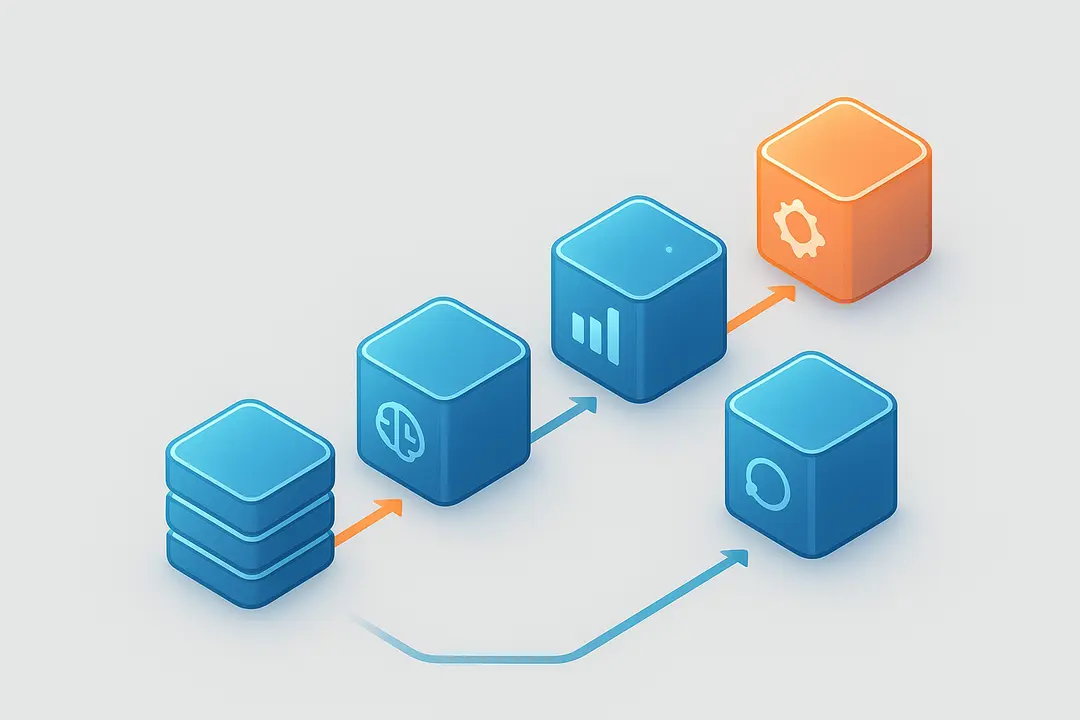
AI-powered planning and forecasting workflows use artificial intelligence to automate, enhance, and connect business planning tasks across departments—delivering faster, more accurate forecasts and streamlined processes.
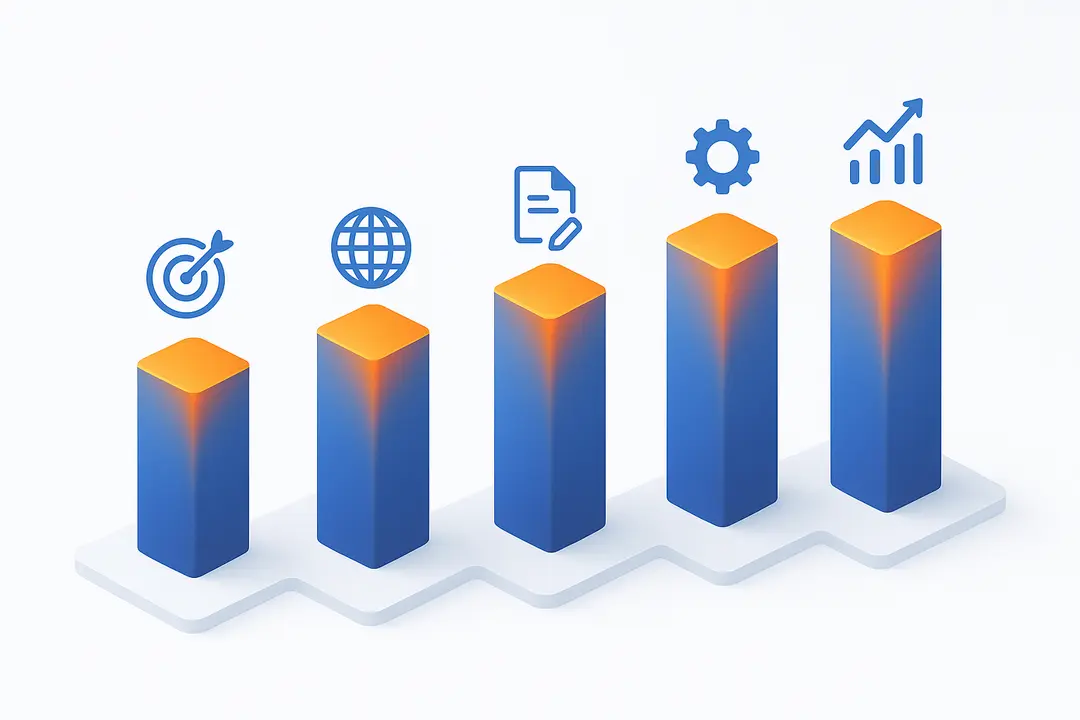
A typical AI-powered planning and forecasting workflow includes five core stages:
- Data Gathering and Integration: Aggregate data from multiple business systems (ERP, CRM, SCM, BI).
- AI Analysis: Use machine learning and predictive algorithms to detect patterns and model scenarios.
- Forecast Generation: Deliver actionable, data-driven forecasts and recommendations.
- Workflow Automation: Automate reporting, notifications, and collaborative planning tasks.
- Continuous Monitoring and Refinement: Track performance, update models, and refine plans in real time.
AI can take several forms in these workflows, including predictive (forecasting future trends), generative (creating scenarios or insights), and agentic AI (executing multi-step tasks or recommendations autonomously). These technologies are relevant across industries—from finance and supply chain to project management and HR—enabling seamless integration with existing enterprise systems.
A global manufacturing firm feeds live sales, inventory, and market data into its AI-powered planning platform. The AI predicts future demand, recommends inventory adjustments, and automates alerts to procurement, helping teams respond proactively to market shifts.

How Does AI Transform Business Planning? Key Concepts and Capabilities
AI technologies fundamentally reshape business planning by automating complex analysis, providing data-driven insights, and enabling real-time collaboration across teams.
- Predictive AI: Analyzes historical and live data to forecast trends, demand, or financial performance, increasing accuracy and risk mitigation.
- Generative AI: Creates new scenarios, options, or narrative summaries, supporting more flexible scenario planning.
- Agentic AI: Acts as an intelligent assistant, autonomously executing multiple workflow steps such as data gathering, analysis, and reporting.
Typical AI data flow in planning workflows:
- Ingestion: Data from multiple sources—ERP, CRM, SCM—converges into the planning platform.
- Analysis: AI models clean, classify, and analyze data to identify key drivers and anomalies.
- Output: Actionable forecasts, recommendations, and automated workflows are generated for business units.
Key benefits include:
- Increased automation (reduced manual workload)
- Faster cycle times (near real-time planning)
- Improved accuracy and transparency
- Enhanced collaboration between previously siloed functions
Glossary Callouts:
| AI Type | What It Does | Planning Benefit |
|---|---|---|
| Predictive | Forecasts likelihoods and trends from data | Higher forecast accuracy |
| Generative | Creates new scenarios or narrative reports | Richer scenario planning |
| Agentic | Automates multi-step workflows and actions | End-to-end process automation |
By leveraging these AI capabilities, organizations can break down barriers, speed up planning cycles, and unlock new business value.
What Are the Core Benefits of AI-Powered Forecasting Workflows?
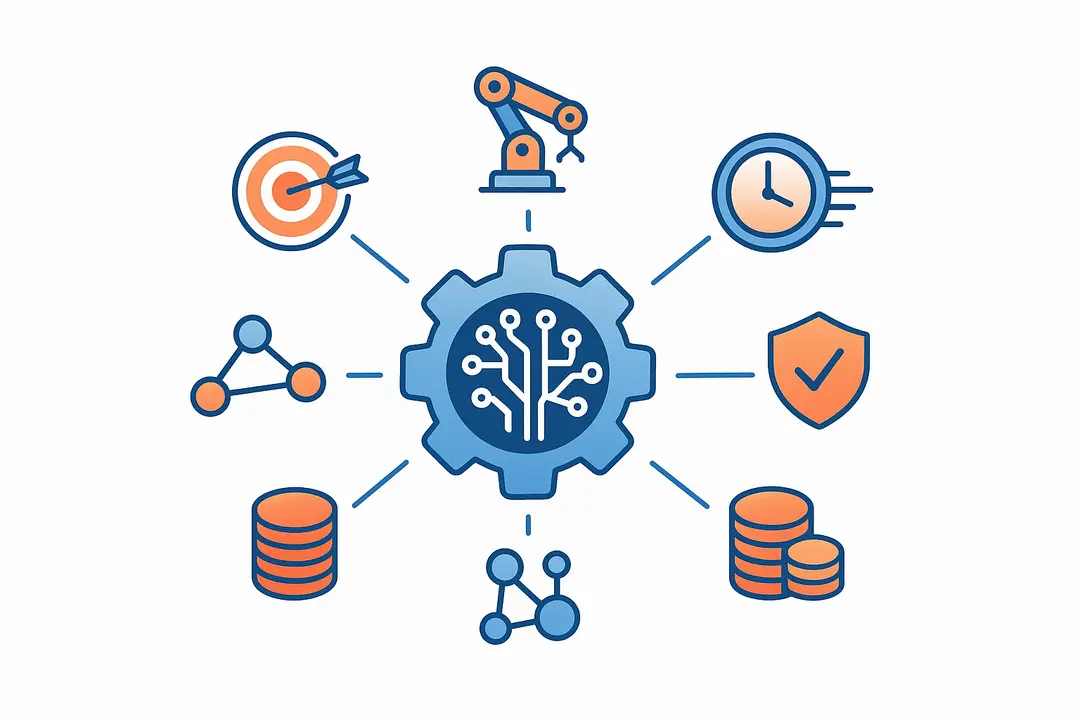
AI-powered forecasting workflows provide quantifiable improvements in efficiency, accuracy, and business alignment—delivering tangible ROI for enterprises.
Key Benefits:
- Improved Forecast Accuracy: AI reduces human error and enables data-driven projections, which, according to recent industry benchmarks, can improve forecast reliability by up to 20–30% over traditional methods.
- Reduced Manual Effort: Automation replaces repetitive, manual data gathering and reporting, freeing up teams for higher-value analysis.
- Faster Planning Cycles: AI rapidly processes and analyzes large datasets, shortening planning cycles from weeks to days—or even hours.
- Risk Mitigation: Advanced algorithms detect outliers, anomalies, and emerging risks early, enabling proactive response and scenario flexibility.
- Cross-Departmental Collaboration: Unified platforms connect finance, operations, supply chain, and HR, fostering shared insights and aligned decision-making.
- Demonstrated ROI: Case studies reported by leading vendors such as Anaplan and Planisware highlight significant cost savings and productivity boosts, with many organizations reporting double-digit percentage gains in resource optimization.
Summary of Core ROI Drivers:
- Up to 30% increase in forecast accuracy (Gartner)
- 2–4x acceleration in planning cycles (IDC)
- 15–25% reduction in planning-related operating expenses (vendor case studies)
The net result: AI-powered planning enables organizations to respond faster to change, allocate resources optimally, and outperform competitors.
End-to-End AI-Powered Planning Workflow: From Data Input to Decision
A robust AI-powered planning workflow follows a step-by-step process—integrating disparate data and automating insight generation through to actionable, cross-functional decisions.
Five Key Steps in AI-Powered Planning:
- Data Gathering and Integration:
Collect data from enterprise resource planning (ERP), customer relationship management (CRM), supply chain management (SCM), and business intelligence (BI) tools. Ensure data completeness and consistency. - Data Preparation and Quality Control:
Cleanse, validate, and format your data. This step is critical for avoiding bias and ensuring AI model accuracy. - AI-Driven Analysis and Modeling:
Apply predictive analytics, generative models, or agentic AI to identify patterns, forecast outcomes, and generate actionable options. - Forecasting and Scenario Generation:
AI generates forecasts, simulations, and scenario plans tailored for different business units (finance, supply chain, HR, projects). - Collaboration, Automation, and Refinement:
Automated reporting and alerts streamline cross-departmental workflows. Human experts review, override, or refine outputs for final decision-making. Feedback is looped into the AI models for continuous improvement.
Where Value is Created:
Each phase unlocks greater accuracy, speed, and insight. For example, the data preparation stage prevents downstream errors, while the human-in-the-loop mechanism ensures accountability and trust in AI outputs.
Cross-Functional Example:
- In finance, forecasts enable agile budgeting.
- In supply chain, demand sensing triggers inventory adjustments.
- In HR, workforce planning adapts to business changes.
This unified workflow transforms static planning tasks into a dynamic, adaptive business advantage.
Leading Platforms: AI Planning Software Comparison and Capabilities
Selecting the right AI planning platform is critical. Key differentiators include the depth of AI capabilities, integration ease, scalability, and explainability.
Comparison Matrix: Leading AI Planning Platforms
| Platform | AI Types Supported | Industry Focus | Key Strengths | Analyst Recognition |
|---|---|---|---|---|
| Planisware | Predictive, Agentic | Project-driven | Deep agentic AI, governance | Gartner, Forrester |
| Anaplan | Predictive, Generative, Agentic | Cross-industry | Scenario flexibility, scale | Gartner, ISG |
| OneStream | Predictive, Explainable | Finance-centric | Transparent/“white-box” AI | Gartner, BARC |
| IBM Planning Analytics | Predictive (Watson) | Finance/all | BI integration, AI expertise | Gartner, Forrester |
| Monday.com | Predictive | SMB–midmarket | Workflow customization | N/A |
Platform Highlights:
- Planisware: Enterprise-level, project portfolio focus. Oscar Agent for agentic AI. Strong integration and governance. Recognized by both Gartner and Forrester.
- Anaplan: Flexible multi-departmental planning, robust AI from predictive to agentic, fits diverse industries.
- OneStream: Transparent, finance-focused AI, with “explainability” features and broad integration.
- IBM Planning Analytics: Scalable across industries, leverage Watson for AI, BI-first mindset.
- Monday.com: Accessible, customizable workflow automation—best for midmarket adoption.
Decision Criteria:
- Scale: Consider organization size and complexity.
- Industry Fit: Platforms excel differently in finance, supply, or projects.
- AI Depth: Agentic AI, explainability, scenario simulation, and integration.
- Integration: Native connectors for ERP, CRM, and other legacy systems.
Review independent analyst reports (Gartner Magic Quadrant, Forrester Wave) and vendor case studies for additional due diligence.
How Do You Integrate AI-Powered Workflows With Existing Enterprise Systems?
Integrating AI-powered planning with your existing enterprise stack ensures optimal data flow and cross-functional insight—yet it’s often the toughest challenge.
Essential Integration Steps:
- Assess Data Readiness:
Audit and cleanse your core datasets (ERP, CRM, SCM). Identify data gaps, inconsistencies, or legacy formats. - Select Integration Method:
Choose between real-time (API-based) or batch (ETL) data transfer based on planning needs and system compatibility. - Configure Platform Connectors:
Set up native or custom connectors to automate data flow between AI planning tools and legacy systems. - Align IT and Business Stakeholders:
Ensure consensus on data governance, user roles, and workflows. - Run Pilot and Validate:
Conduct integration pilots, monitoring for data latency, model accuracy, and user adoption.
Integration Pitfalls & Solutions:
- Pitfall: Siloed or poor-quality data
Solution: Proactive data profiling and staged onboarding. - Pitfall: Misaligned IT-business priorities
Solution: Joint working groups—clear role mapping. - Pitfall: Integration errors or lags
Solution: Stress-test data pipelines, use incremental data rollouts.
Best practices include documenting all interfaces and establishing rigorous change management for future system upgrades.
What Are the Main Challenges of Deploying AI for Planning—and How Can They Be Overcome?
Deploying AI in planning introduces obstacles such as data quality, explainability, and organization-wide adoption—but each can be proactively addressed.
Common Challenges & Solutions:
| Challenge | Solution |
|---|---|
| Data Quality & Silos | Invest in early data cleaning, implement strong data governance |
| Model Bias or Black-Box AI | Use explainable AI, conduct regular bias audits, select “white-box” capable platforms |
| Cultural/Skills Resistance | Provide targeted training, pilot with change champions |
| Integration Complexity | Start with focused pilots, leverage vendor integration expertise |
| Auditability/Compliance | Document workflows, use traceable models, ensure regulatory alignment |
Ensuring trust and transparency in AI outputs (explainable AI) is increasingly essential, especially in regulated industries. Change management—blending new skills and mindsets—often determines long-term adoption success.
Practitioner Tip:
Engage cross-functional stakeholders early, and choose platforms recognized for both AI explainability and strong customer enablement resources.
How Are AI-Powered Planning Workflows Used Across Business Functions?
AI-powered planning delivers connected, department-specific value that accelerates outcomes for every major business function.
Key Use Cases by Department:
| Department | AI Use Case Examples | Benefit |
|---|---|---|
| Finance | Rolling forecasts, risk simulations | Agile budgeting, higher accuracy |
| Supply Chain | Demand sensing, automated inventory planning | Faster response to market shifts |
| Project Mgmt | Scenario analysis, portfolio optimization | Improved prioritization, outcomes |
| HR | Workforce planning, skills forecasting | Right-sized teams, minimized gaps |
Mini-Case Example:
Supply Chain:
A global distributor uses AI-driven demand sensing to anticipate spikes in product demand, automatically optimizes inventory, and prevents stockouts, supporting both sales and customer satisfaction.
By connecting these functions through a single AI workflow, enterprises replace fragmented planning with seamless, strategic alignment.
How Should Enterprises Evaluate and Select AI Planning Tools?
Choosing the right AI planning solution means weighing platform features, integration capability, industry fit, and ROI potential.
Must-Have Evaluation Criteria:
- AI Functionality: Does it support predictive, generative, and agentic workflows?
- Explainability: Are AI recommendations transparent and auditable?
- Integration Readiness: Can it connect to ERP, CRM, SCM, and BI systems natively?
- Industry/Scale Fit: Proven effectiveness in organizations of your size and sector?
- User Experience & Collaboration: Does it empower business users, not just technical teams?
- Security & Compliance: Does the platform meet regulatory and data protection standards?
- Total Cost of Ownership: Beyond licenses, consider onboarding, customization, and support.
Key Questions for Vendors:
- What is your approach to AI model explainability and bias?
- How do you support cross-functional workflows beyond finance or supply chain?
- What does your integration process entail for [our ERP/CRM]?
- Can you provide references or case studies in our industry?
- What ROI benchmarks can you share from similar clients?
Best Practices:
- Run pilots or request a proof-of-concept.
- Compare analyst ratings (Gartner, Forrester).
- Solicit peer reviews from enterprises with similar profiles.
A structured evaluation ensures you select a platform that empowers—not just automates—your unique business planning needs.
Summary Table: Key Takeaways on AI-Powered Planning Workflows
| Topic | Summary |
|---|---|
| Top Benefits | Higher accuracy, faster planning, risk reduction, cross-functional collaboration |
| Core Workflow (5 Steps) | Data gather → Prep/Quality → AI Analysis → Forecast → Automate/Refine |
| Leading Tools | Planisware, Anaplan, OneStream, IBM, Monday.com |
| Key Challenges (and Solutions) | Data silos (data cleaning), explainability (choose “white-box” AI), integration (pilot, staged rollout) |
| Evaluation Criteria | AI depth, explainability, integration, scalability, user experience |
Frequently Asked Questions About AI-Powered Planning and Forecasting
What is an AI-powered planning and forecasting workflow?
AI-powered planning and forecasting workflows use artificial intelligence to automate and optimize business planning, combining data from multiple sources to deliver accurate, real-time forecasts and streamlined processes.
How does AI improve forecast accuracy compared to traditional methods?
AI leverages historical and real-time data, using advanced algorithms to identify patterns and predictive signals that humans may miss, resulting in more reliable and adaptive forecasts.
What stages are involved in an AI-powered forecasting workflow?
The key stages include data gathering and integration, data preparation, AI-driven analysis, forecasting/scenario generation, and automated collaboration/refinement.
Which business departments benefit most from AI planning solutions?
Finance, supply chain, project management, and HR are among the departments that see the greatest value, though any function that relies on complex or data-driven planning can benefit.
What are the leading platforms for AI-powered planning?
Top platforms include Planisware, Anaplan, OneStream, IBM Planning Analytics, and Monday.com, each offering distinct AI and integration capabilities.
How can I integrate AI-powered planning workflows with ERP or CRM systems?
Integration typically involves using APIs or connectors to transfer data between platforms, with careful attention to data quality, governance, and user alignment.
What challenges should I expect when implementing AI in planning?
Common challenges include poor data quality, integration hurdles, resistance to change, and ensuring AI outputs are explainable and trustworthy.
What data is needed to build effective AI forecasting models?
Reliable historical data, real-time transaction or operations data, and relevant external factors are all important for accurate AI modeling.
How do agentic AI assistants differ from basic planning chatbots?
Agentic AI can execute multi-step workflows autonomously, while basic chatbots typically answer simple queries or trigger individual actions.
What measurable benefits do enterprises see from AI-powered forecasting?
Organizations report improved forecast accuracy, shorter planning cycles, increased collaboration, and significant reductions in manual effort and operational costs.
Conclusion
AI-powered planning and forecasting workflows are transforming how enterprises anticipate change, optimize resources, and drive agile growth. With proven benefits across accuracy, efficiency, and collaboration, the move to AI is now a competitive necessity—not a future vision.
To unlock these gains, organizations should begin by piloting AI-powered workflows in a high-value area, engaging both IT and business teams, and rigorously evaluating platforms for integration and explainability. Leverage the frameworks and criteria outlined in this guide to ensure a seamless transition and long-term ROI.
This page was last edited on 30 April 2026, at 11:51 am

Start a conversation with our team to solve complex challenges and move forward with confidence.










