
Choosing the right technology is essential to building a mobile app that thrives in 2026’s fast-moving landscape. App frameworks and tools are evolving rapidly, and the wrong choice can mean missed opportunities for innovation, security, or scalability. This practical, expert-led guide delivers everything decision-makers and developers need to evaluate and select the best technologies for their next mobile app project. By the end, you’ll have a clear decision framework, a comprehensive comparison of top frameworks, and actionable guidance to future-proof your mobile app investments.
Mobile app development technologies are the frameworks, platforms, and tools used to design, build, test, and deploy apps for mobile devices. Choosing from the top technologies for mobile app development ensures better performance, scalability, and long-term sustainability. The right choice impacts an app’s quality, maintainability, security, and overall business outcomes.
What Are Mobile App Development Technologies (and Why Do They Matter in 2026)?
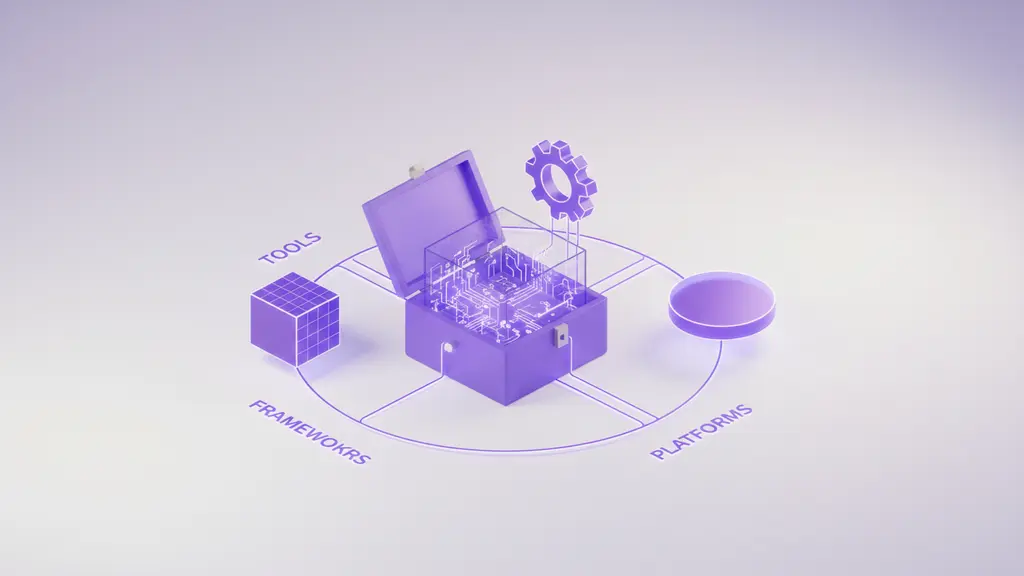
Mobile app development technologies include the frameworks, programming languages, and tools that power today’s apps. In 2026, selecting the right technology is even more critical as expectations for performance, security, and scalability accelerate.
Key Points:
- Frameworks provide ready-to-use components and APIs for building apps (e.g., Flutter, React Native).
- Platforms refer to target operating systems like iOS or Android.
- Tools encompass everything from design IDEs to cloud backends.
Types of Mobile App Development Approaches:
- Native: Built specifically for a single platform (e.g., Swift for iOS, Kotlin for Android). Best for performance but higher cost for multi-platform apps.
- Cross-Platform/Hybrid: One codebase targets multiple platforms (e.g., Flutter, React Native, Ionic). Balances reach and efficiency.
- Low-Code/No-Code: Visual tools for rapid app creation without deep coding expertise (e.g., Mendix, OutSystems).
- Progressive Web Apps (PWAs): Web apps that function like native on mobile devices.
Why Technology Matters:
The choice of technology directly affects app performance, scalability, total cost of ownership, and ability to adapt to new trends like AI, security standards, or cloud integration.
What Key Criteria Should You Use to Choose a Mobile App Development Technology in 2026?
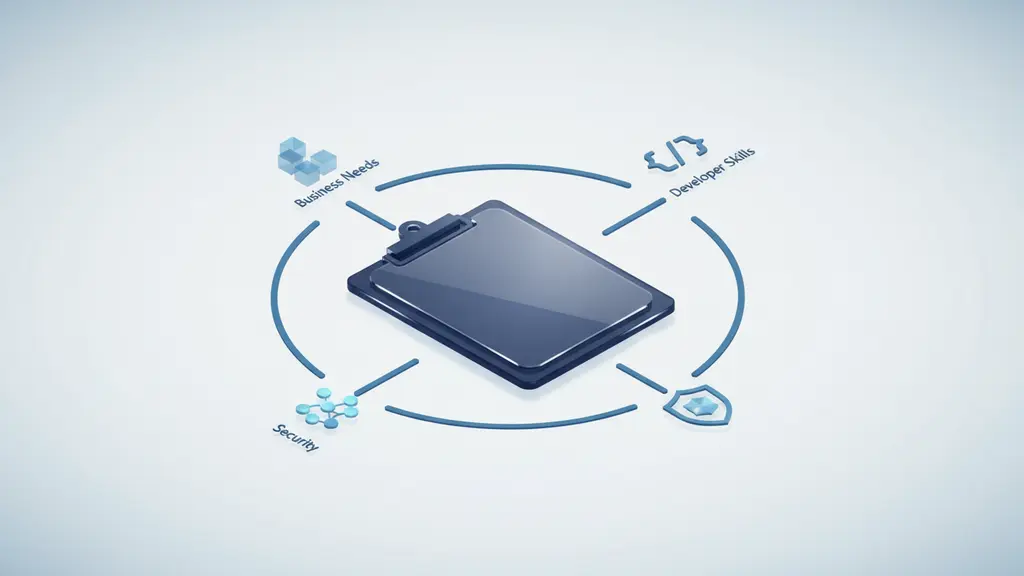
Choosing a mobile app technology in 2026 requires balancing your project’s needs, business goals, and technical realities. Here’s a checklist to guide your decision.
Top Criteria:
- Project Type & Business Needs: Match technology to your app’s complexity, target users, and required integrations. For example, apps built around camera-based experiences may require an AR SDK.
- Programming Language & Developer Availability: Consider languages your team knows, and the ease of hiring or onboarding new talent.
- Community Support & Ecosystem: Frameworks with active support, documentation, and third-party libraries offer better sustainability.
- Security & Compliance: Prioritize proven frameworks with robust security features.
- Total Cost of Ownership (TCO): Weigh initial development, ongoing maintenance, and update costs.
- AI, Cloud, Backend Integration: Ensure the framework integrates well with modern tech stacks, including AI APIs and cloud services.
- Development Methodology Fit: Compatibility with Agile, DevOps, and your team’s workflow.
Quick Checklist:
- Does it fit the business case and user needs?
- Is the developer/talent pool strong?
- Is community support active and growing?
- Can it integrate with core systems and future tech?
- Are security and compliance requirements met?
- What is the projected TCO over 3-5 years?
How Do Your Business Needs and Project Type Influence Framework Choice?
Matching the right technology to your project ensures resource efficiency and scalability. For example:
- B2C Apps: May require slick user experiences and fast iteration—cross-platform tools like Flutter excel here.
- B2B/Enterprise: Often need deep security, legacy system integration, and long-term support—native or enterprise-oriented frameworks (like .NET MAUI) may be best.
- MVPs or Startups: Speed and budget come first—hybrid or low-code platforms can reduce time to market.
- Integration with Cloud or Existing Systems: Choose technologies with strong APIs and compatibility (e.g., React Native with AWS, .NET MAUI for Microsoft Azure).
What Role Does Developer Ecosystem and Community Support Play?
Strong community support and ecosystem are crucial for ongoing success, updates, and maintainability.
Why This Matters:
- Active Communities: Ensure frequent updates, bug fixes, and available plugins or add-ons.
- Hiring & Training: Larger talent pools reduce recruitment and onboarding friction.
- Long-Term Viability: Popular, well-supported frameworks are less likely to become obsolete, de-risking your investment.
Example:
Frameworks like React Native and Flutter boast robust communities, offering extensive documentation, libraries, and third-party tools. This can dramatically accelerate problem-solving and feature development.
What Are the Leading Mobile App Development Technologies in 2026?
Flutter
Flutter is a cross-platform framework from Google, using the Dart programming language. It’s designed for rapid UI development and delivers near-native performance across iOS, Android, web, and desktop.
- Key Features: Reactive UI, single codebase, rich widget library.
- Use Cases: Consumer apps, MVPs, apps with demanding UIs.
- Notable Users: Google, Alibaba, eBay Motors.
- Pros: High performance, growing community, rich animations.
- Cons: Dart language learning curve, smaller talent pool than React Native.
React Native
React Native, backed by Meta, allows you to build mobile apps using JavaScript and React. It compiles to native code and leverages platform-specific UI elements.
- Strengths: Broad adoption, large JavaScript/TypeScript ecosystem, hot-reloading for rapid development.
- Best Scenarios: Apps needing frequent updates, those leveraging existing web codebases, startups scaling quickly.
- Notable Examples: Facebook, Instagram, Bloomberg.
- Pros: Massive community, JavaScript familiarity, many plugins.
- Cons: Potential for performance gaps in complex apps, native modules sometimes needed.
Kotlin Multiplatform
Kotlin Multiplatform (KMP), spearheaded by JetBrains with Google support, enables sharing logic across Android, iOS, and more while preserving truly native UIs.
- Benefits: Compile-to-native performance, share core logic while building native UIs per platform.
- Ideal For: Teams wanting to share business logic, companies invested in Kotlin or modern JVM stacks.
- Key Backers: JetBrains, Google.
- Pros: Native performance, leverages popular Kotlin ecosystem.
- Cons: Steeper learning curve, smaller community than Flutter or React Native as of 2026.
.NET MAUI
.NET Multi-platform App UI (MAUI) by Microsoft is the evolution of Xamarin, enabling C# and .NET developers to target Android, iOS, macOS, and Windows from a single codebase.
- Ecosystem Integration: Ties closely with Microsoft Azure and enterprise IT.
- Who Should Consider: Enterprises with .NET talent, legacy Xamarin users.
- Pros: Native user experience, enterprise-grade tooling, strong support.
- Cons: Limited to .NET stack, smaller open-source plugin ecosystem.
Ionic
Ionic uses web technologies (HTML, CSS, JavaScript/TypeScript) to build hybrid apps running in a native shell.
- Best for: Rapid prototyping, simple data-driven apps, web-to-app projects.
- Pros: Leverages web developer skills, fast to learn, extensive plugin library (via Capacitor).
- Cons: UI/UX performance limitations compared to pure native frameworks, less suited for graphics-heavy or high-performance requirements.
NativeScript
NativeScript bridges JavaScript/TypeScript and native device APIs for iOS and Android development.
- Strengths: Direct native access, supports both Angular and Vue.js.
- Niche Uses: Apps needing custom native functionality but leveraging JavaScript/TypeScript.
- Pros: Access to native capabilities, open source.
- Cons: Smaller community, plugin library not as extensive as React Native or Flutter.
Low-Code / No-Code Platforms
Low-code/no-code platforms like OutSystems, Mendix, and Appgyver (now part of SAP) allow rapid app development using visual interfaces and minimal coding.
- Benefits: Fast delivery, empowers non-technical stakeholders, and reduces prototyping costs.
- Best for: Internal business tools, proofs-of-concept, workflow apps.
- Constraints: Limited deep customization, potential vendor lock-in.
- When to Use: Quick MVPs or where speed trumps fine-grained control.
Progressive Web Apps (PWAs)
PWAs are web applications built with modern web standards that behave like native apps on mobile—installable, offline-capable, and discoverable.
- Advantages: Lowest barrier for user access, reduced development and maintenance cost, instant updates.
- Ideal For: Broad reach apps, budget-conscious projects, scenarios not requiring deep device feature access.
- Limitations: Limited access to device hardware compared to native, some app store restrictions.
How Do Top Mobile App Frameworks Compare?
| Framework | Main Language | Platforms | Performance | Community Support | Cost | Best Use Case | Security | Notable Users |
| Flutter | Dart | iOS, Android, Web, Desktop | High (near-native) | Strong | Low-Mid | Consumer apps, startups | Robust | Google, Alibaba |
| React Native | JS/TS | iOS, Android | Medium-High | Very strong | Low-Mid | Multi-platform, web teams | Good | Facebook, Instagram |
| Kotlin Multiplatform | Kotlin | iOS, Android, Web | Native | Growing | Mid-High | Enterprises, shared logic | Enterprise-grade | JetBrains, Philips |
| .NET MAUI | C#/.NET | iOS, Android, Desktop | Native | Moderate | Mid-High | Microsoft-focused orgs | Enterprise-grade | Microsoft, Aviva |
| Ionic | JS/TS | iOS, Android, Web | Medium | Good | Low | Prototypes, business tools | Varies | NHS, Sworkit |
| NativeScript | JS/TS | iOS, Android | High | Moderate | Low-Mid | Custom native, JS devs | Varies | SAP, Xerox |
| Low-Code/No-Code | N/A | iOS, Android, Web | Variable | Growing | Low-High* | Internal tools, MVPs | Platform-based | DHL, KPMG (platform-dep) |
| PWA | JS/TS | Web/Mobile Web | Medium | Strong (web) | Low | Wide access, cost savings | Good | Twitter Lite, Starbucks |
*Cost for low-code/no-code platforms can vary widely depending on licensing and scale.
Best For:
- Startups/MVPs: Flutter, React Native, Low-Code platforms
- Enterprise: .NET MAUI, Kotlin Multiplatform
- Rapid Prototyping: Ionic, Low-Code/No-Code, PWAs
- Maximum Device Integration: NativeScript, Kotlin Multiplatform
What Mobile App Development Trends Will Shape 2026 and Beyond?

The future of mobile app development hinges on emerging technologies and shifting user expectations. Here are the top trends influencing 2026 and beyond:
- AI-Assisted Development: Frameworks are integrating AI for smarter code completion, testing, and user personalization.
- Backend-as-a-Service (BaaS): Cloud services like Firebase and AWS Amplify streamline backend deployment, reducing time-to-market.
- PWAs Maturing: More companies are adopting PWAs for wide reach and instant updates, with improved standards for offline use and device APIs.
- Security & Privacy: Regulatory pressures and user expectations mean frameworks with built-in security features gain traction—a key concern for enterprise app development.
- Low-Code/No-Code Proliferation: Gartner and Forrester report sustained growth in low-code adoption, making app creation accessible to more business units.
- Job Market Evolution: Demand for cross-platform and cloud integration skills is rising, as highlighted in recent developer surveys (e.g., JetBrains State of Developer Ecosystem).
Industry Predictions:
Experts expect continued convergence between web and mobile, increased use of cloud-native components, and new roles for AI-driven app optimization and maintenance.
How Do You Choose the Right Mobile App Development Technology? (Step-by-Step Selector)
Selecting a mobile app development framework doesn’t have to be overwhelming. Use this practical step-by-step framework selector to clarify your path.
Step 1: Define Your Business Goals & User Needs
- What core problem does your app solve?
- Who is the end-user (B2B, B2C, internal, hybrid)?
Step 2: Assess Technical Requirements
- What platforms do you target (iOS, Android, web, desktop)?
- Do you require device-specific features, integrations, or high performance?
Step 3: Evaluate Team Skills & Resource Availability
- What programming languages and frameworks are your team already comfortable with?
- Is there a readily available talent pool for the chosen tech?
Step 4: Prioritize Ecosystem & Future Readiness
- Is the community healthy and documentation robust?
- Will your choice be supported over the app’s lifecycle?
Step 5: Map out Security, Compliance & Integration Needs
- What level of security is required (regulated industry, sensitive data)?
- Will the framework easily integrate with third-party APIs, AI, and cloud services?
Step 6: Calculate Total Cost of Ownership
- Consider both upfront development and ongoing maintenance costs.
Common Red Flags:
- Picking a niche or under-supported technology without long-term viability signals.
- Over-engineering for MVPs or under-engineering for complex, enterprise-grade use.
Template Recommendation:
Document your answers for each step, compare at least three frameworks against your highest priorities, and present findings to stakeholders for alignment.
Frequently Asked Questions About Mobile App Development Technologies
What are the top technologies for mobile app development in 2026?
The leading technologies in 2026 include Flutter, React Native, Kotlin Multiplatform, .NET MAUI, Ionic, NativeScript, low-code/no-code platforms, and Progressive Web Apps. Each offers unique advantages for different project needs.
How do I choose between Flutter, React Native, and Kotlin Multiplatform?
Choose based on your team’s expertise, required performance, and project scale. Flutter is great for rapid cross-platform UIs, React Native suits web-centric teams, and Kotlin Multiplatform is ideal for sharing logic while maintaining native UIs, especially for Kotlin users.
What are the pros and cons of cross-platform vs. native mobile app development?
Cross-platform development reduces cost and accelerates time to market with a single codebase for multiple platforms. Native apps offer superior performance and access to device features but require separate development for each platform, increasing time and expense.
Are low-code or no-code tools suitable for building business mobile apps?
Low-code/no-code platforms are suitable for internal tools, workflow apps, and MVPs where speed and ease outweigh deep customization. For customer-facing or highly specialized apps, professional code frameworks are usually preferable.
Which programming language is best for mobile app development today?
Dart (Flutter), JavaScript/TypeScript (React Native, Ionic, PWAs), Kotlin (Kotlin Multiplatform, native Android), and C# (for .NET MAUI) are the most prominent choices, each backed by strong communities and ecosystem support.
What trends are shaping mobile app development technologies for the future?
Major trends include increased integration of AI and machine learning, maturing PWA standards, backend-as-a-service adoption, focus on security and privacy, and expanding use of low-code/no-code tools.
How do mobile app frameworks handle security?
Leading frameworks provide secure coding guidelines, regular updates, and access to industry-standard encryption and authentication protocols. However, security still depends on developer practices and the app’s architecture.
What is the difference between hybrid and native apps?
Native apps are built specifically for one operating system, maximizing performance and device integration. Hybrid apps are built using web technologies and run within a native shell, enabling cross-platform deployment but with some trade-offs in performance and UX.
How does development methodology impact my choice of technology?
Methodologies like Agile or DevOps favor frameworks with rapid iteration, strong CI/CD tooling, and active plugin ecosystems. Some frameworks, such as React Native and Flutter, integrate seamlessly with these workflows.
Which frameworks have the strongest community support?
React Native and Flutter have the largest and most active communities, ensuring abundant learning resources, libraries, and quick issue resolution. Kotlin Multiplatform and .NET MAUI communities are growing rapidly among enterprise adopters.
Conclusion
Selecting the right mobile app development technology in 2026 is a strategic decision—shaping your ability to innovate, scale, and compete. By understanding your business goals, technical requirements, and the strengths of each framework, you can build apps that deliver value today and remain future-proof for tomorrow’s trends. Download the mobile framework checklist, consult with an expert, or explore further to make the best technology choice for your next project.
Key Takeaways
- The choice of mobile app technology strongly influences success, maintenance, and cost.
- Flutter, React Native, Kotlin Multiplatform, and .NET MAUI lead in 2026, each suited to different project needs.
- Consider business goals, developer skills, ecosystem support, and security when selecting a framework.
- Trends like AI integration, low-code platforms, and maturing PWAs are reshaping mobile app strategies.
- Use the step-by-step selector to match frameworks to your unique requirements for maximum impact.
This page was last edited on 22 July 2026, at 10:35 am

Start a conversation with our team to solve complex challenges and move forward with confidence.










