Setting up your own crypto wallet is the single most important step you can take to truly own and protect your cryptocurrency assets. Many people leave their crypto on exchanges, risking hacks, account freezes, and even total loss if an exchange closes or is compromised.
This guide will show you exactly how to create a crypto wallet, empowering you with direct control over your keys and coins. By the end, you’ll understand not just the setup process, but also vital security protocols to avoid costly mistakes and keep your crypto safe.
What is a Crypto Wallet and How Does It Work?
A crypto wallet is an application or device that stores your private cryptographic keys, allowing you to send, receive, and manage cryptocurrencies like Bitcoin and Ethereum securely. Unlike a traditional wallet that holds cash, a crypto wallet acts as a digital keychain to access your funds on the blockchain.
- Public Key: This is like your crypto email address—safe to share; people use it to send you crypto.
- Private Key: This is your secret password—never share it; it unlocks control over your assets.
- Seed Phrase: A series of words that acts as a master backup to recover your wallet if lost.
Crypto wallets interact with blockchains by signing transactions digitally with your private key. There are two main categories:
- Custodial wallets: Third-party (like an exchange) holds your keys—easy to use, but less control.
- Non-custodial wallets: Only you control the keys—maximum privacy and security, but higher responsibility.
In short: A crypto wallet gives you secure access to your digital assets—how you manage your keys determines your level of control and risk.
What Types of Crypto Wallets Are There (and Which Should You Choose)?
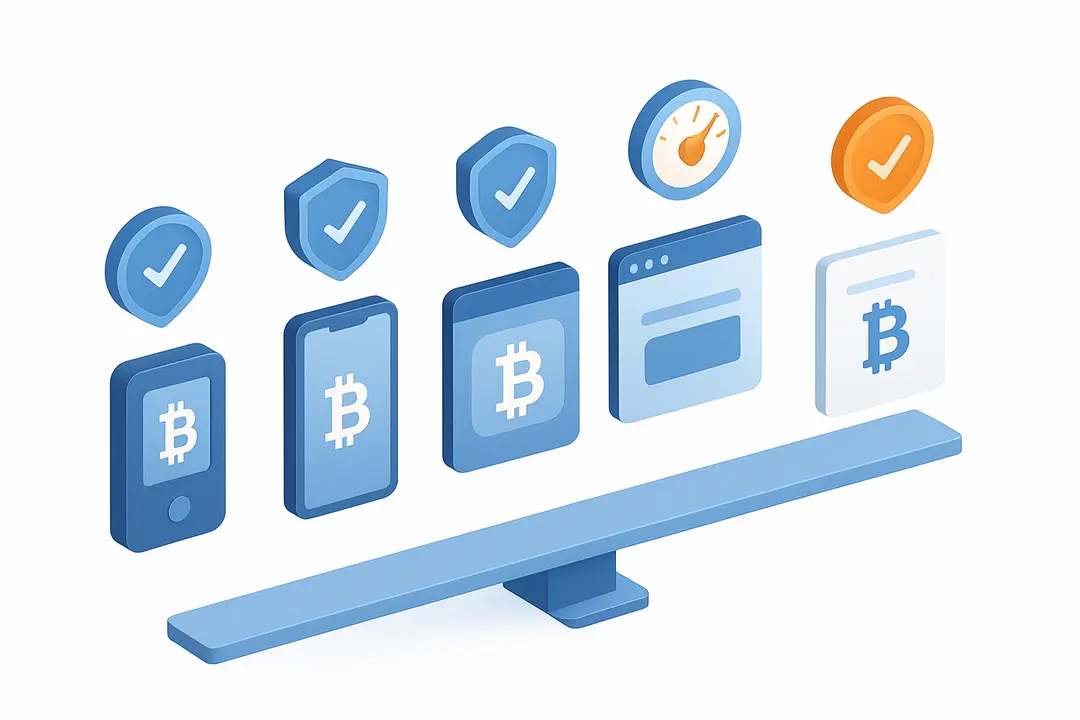
Choosing the right crypto wallet depends on your needs, security comfort, and usage style. Here’s a breakdown of the main wallet types and how they fit different user profiles.
Crypto Wallet Types: Overview
| Wallet Type | Examples | Security | Convenience | Cost | User Type |
|---|---|---|---|---|---|
| Hardware | Ledger, Trezor | Very high | Medium | $70–$200 | Long-term holders |
| Software | Exodus, Electrum | Moderate | High | Free | Beginners, daily |
| Mobile | MetaMask, Trust | Moderate | Very high | Free | On-the-go users |
| Web | Coinbase, Blockchain | Low–Medium | Very high | Free | Instant setup |
| Paper | Paper printouts | High* | Low | Free | Advanced only |
Paper wallets are only secure if generated and stored properly offline—they’re vulnerable to loss and physical damage.
Pros and Cons: Wallet Type Comparison
| Wallet | Pros | Cons |
|---|---|---|
| Hardware | Highest security, offline protection | Cost, needs physical access, setup required |
| Software | Easy setup, feature-rich, free | Online risk (malware/phishing) |
| Mobile | Convenient, portable, biometrics | Phone theft risk, app malware |
| Web | Accessible anywhere, simple UI | Dependent on providers, internet required |
| Paper | Immune to online hacking | Easy to lose/damage, no built-in support |
Decision prompts:
- Prefer maximum security for large holdings? Hardware is best.
- Need easy access or frequent trades? Choose software or mobile.
- Starting small or learning? Try a software or web wallet, then upgrade.
Use Cases:
- Beginners: Start with a reputable software or mobile wallet (like MetaMask or Trust Wallet).
- Day Traders: Consider both software and web wallets for quick access.
- Long-term Holders (HODLers): Opt for a hardware wallet and safely store the backup.
Step-by-Step: How to Create a Crypto Wallet the Right Way
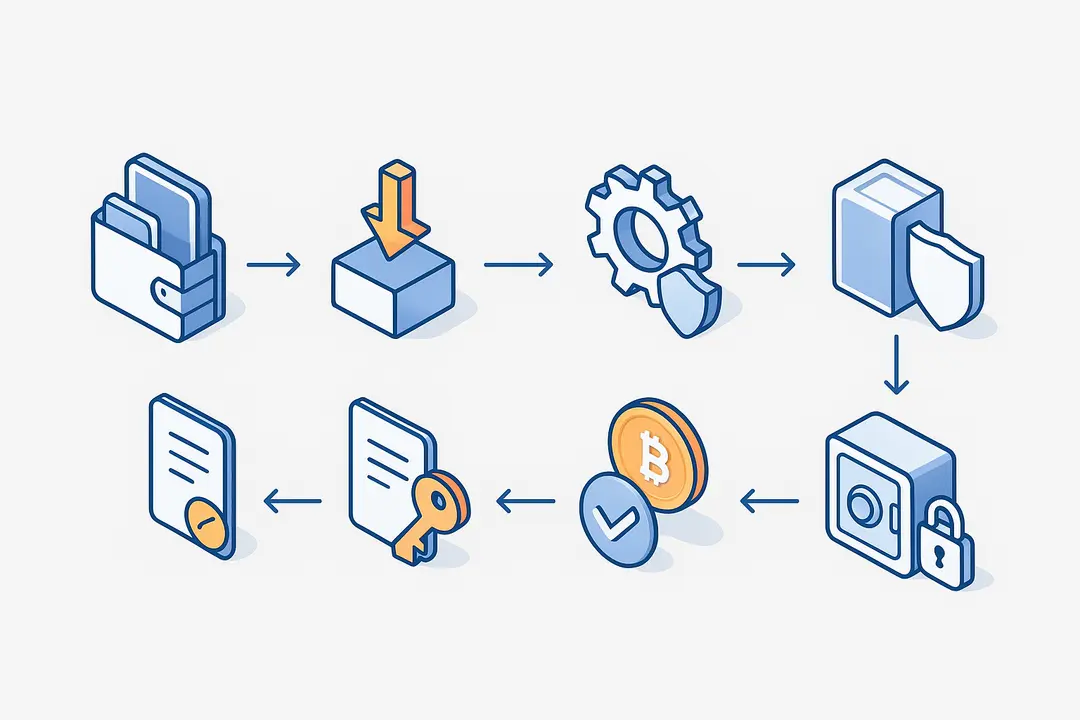
Creating a crypto wallet involves six essential steps: choosing your wallet type, obtaining it, setting it up, recording your seed phrase, testing the wallet, and backing up your data securely.
The 6-Step Crypto Wallet Creation Process
- Choose your wallet type: Decide if you want a hardware, software, mobile, web, or paper wallet based on your needs.
- Obtain wallet: For hardware, buy directly from the official manufacturer. For others, download from the provider’s official site or app store.
- Set up your wallet: Follow the setup instructions to create your wallet or account.
- Record your seed phrase: Write down (never digitally copy) the 12–24 word recovery phrase shown during setup.
- Test your wallet: Send/receive a small amount of crypto to ensure your setup works and recovery process is sound.
- Back up and secure: Safely store your seed phrase and, for hardware wallets, note your PIN or passphrase in a separate secure location.
Creating a Hardware Wallet (Ledger, Trezor)
- Buy direct: Only purchase from the manufacturer to avoid tampered devices.
- Initialize device: Connect to your computer and initialize as a new device; never use a pre-set PIN or phrase.
- Generate seed phrase: Write down the recovery phrase exactly as shown, using pen and paper or a metal backup card.
- Update firmware: Follow prompts to install the latest firmware and security updates.
- Verify setup: Complete a self-check on the device to ensure no tampering.
Creating a Software/Mobile/Web Wallet (MetaMask, Trust, Coinbase)
- Download from official sources: Use only verified app stores or the provider’s website to avoid fake apps/extensions.
- App setup: Open the app/extension, choose “create new wallet”, and follow prompts.
- Seed phrase backup: Write down the recovery phrase privately—never screenshot or store on your phone or computer.
- Activate security features: Set a strong PIN, enable biometrics if available, and avoid sharing your device.
- Optional: Enable two-factor authentication (2FA) for extra security on compatible wallets.
Pro tip: Always test your backup by restoring the wallet on another device or in recovery mode before funding your wallet with significant assets.
How to Secure Your Crypto Wallet: Seed Phrases, Backup, and Recovery
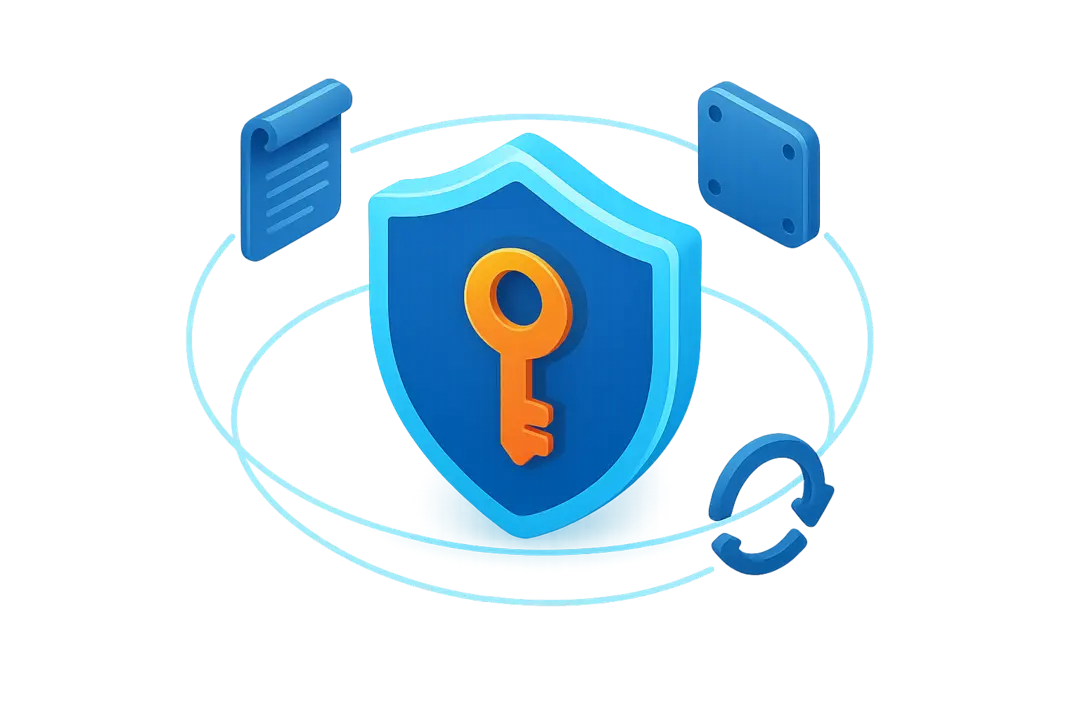
Securing your wallet centers on protecting your seed phrase—lose it, and you may lose access to your crypto permanently. Taking the right steps to back up and recover is non-negotiable.
- Seed Phrase: A 12–24 word phrase that restores your wallet on any device. It’s the master key to your assets.
- How to store: Never save your seed phrase digitally (photos, files, cloud). Instead:
- Write on paper and store in a safe, or
- Use a steel/metal backup for fire and water resistance.
- How to restore: Open your wallet app/device, choose “restore/recover wallet,” and enter the seed phrase exactly as written.
Real-world scenario: If your computer or phone is lost, stolen, or destroyed, the seed phrase is your only way to recover your assets. Without it, there is no password reset option.
Extra security:
- Use 2FA where supported.
- Consider adding a passphrase (an extra word) for added protection.
- Advanced: Some wallets offer multi-signature features, requiring multiple approvals to move funds, reducing single-point-of-failure risks.
How to Send and Receive Crypto Using Your Wallet
Sending and receiving cryptocurrency with your wallet is straightforward if you follow careful steps to avoid errors or scams.
To receive crypto:
- Open your wallet app.
- Find and copy your public address (QR code or text string).
- Share this address only with trusted senders.
To send crypto:
- Tap “Send” in your wallet.
- Paste the recipient’s public address.
- Double-check the address (errors can be irreversible).
- Enter amount and approve the transaction.
- Confirm by checking transaction status on a blockchain explorer.
Tips for safe transactions:
- Test with a small amount first, especially when receiving for the first time or using a new address.
- Use QR codes or WalletConnect to reduce manual errors.
- Confirm each transaction on a public blockchain explorer (e.g., blockchain.com for Bitcoin), ensuring transparency and accuracy.
Understanding Crypto Wallet Costs and Fees: What to Expect
Most crypto wallets are free to set up, except for hardware wallets, which require an initial purchase. However, sending and receiving crypto always involves fees—mainly transaction (network) fees.
Are wallets free to create?
- Hardware wallets: $70–$200 per device (one-time).
- Software/mobile/web wallets: Free to download and set up.
Types of fees:
| Fee Type | Applies To | Typical Amount |
|---|---|---|
| Network/Blockchain | Sending crypto | Varies by chain ($0.01–$5+) |
| Wallet provider | Some custodial/web | Sometimes 0.5–1.5% |
| Withdrawal | Exchanges, custodial | Varies; always displayed upfront |
How to minimize fees:
- Choose native blockchains with low congestion (e.g., use Litecoin instead of Bitcoin for cheaper sends).
- Schedule transactions during off-peak hours.
- Compare wallet types—non-custodial wallets avoid third-party fees.
Important: Always be wary of hidden or excessive fees, which are common red flags for scams or unreliable services.
Advanced Features: Multi-Signature, SegWit, DeFi, NFTs & Privacy
- Multi-signature (multi-sig): Requires multiple parties to approve a transaction, useful for teams, families, or treasuries (e.g., a 2-of-3 signature wallet).
- SegWit/Bech32 addresses: Enable lower fees and faster transactions (common in updated Bitcoin wallets).
- NFT and DeFi support: Some wallets (e.g., MetaMask) can connect to decentralized apps (dApps) and showcase NFTs directly.
- Privacy features: Options like address rotation, integration with Tor networks, and privacy-focused wallets help minimize traceability and exposure.
When to use:
Consider advanced features if managing shared funds, trading NFTs, using DeFi protocols, or prioritizing privacy/anonymity.
Most Common Mistakes and Security Risks Beginners Must Avoid
- Storing your seed phrase digitally (photos, documents, screenshots).
- Downloading wallet apps/extensions from fake or unofficial sources.
- Not verifying URLs or sender addresses before entering your keys or sending funds.
- Disclosing your recovery information through phishing emails, websites, or fake support contacts.
- Failing to test your backup and recovery process before transferring large amounts.
Pro tip: If any person or website asks for your private key or seed phrase—it’s a scam.
Crypto Wallet Comparison Table: Features, Pros & Cons
| Wallet Type | Security | Convenience | Supported Coins | Backup Needed | Typical Fees | Great For |
|---|---|---|---|---|---|---|
| Hardware | Very high | Medium | Many | Yes | One-time | Long-term, large accounts |
| Software | Moderate | High | Many | Yes | Free | Beginners, daily use |
| Mobile | Moderate | Very high | Many | Yes | Free | Mobile-first users |
| Web | Low–Medium | Very high | Main coins | Usually | Free | Quick setup, test wallets |
| Paper | High* | Low | Limited | Yes | Free | Cold storage, experts |
Frequently Asked Questions (Crypto Wallets FAQ)
1. What is a crypto wallet and why do I need one?
A crypto wallet securely stores your private keys, enabling you to own, send, and receive cryptocurrencies. You need one to take true control of your assets, avoid exchange risks, and protect your funds from hacking or loss.
2. What are the steps to create a crypto wallet?
- Choose your wallet type (hardware, software, mobile, web, or paper).
- Obtain/download from the official source.
- Set up the wallet and record the recovery (seed) phrase.
- Test the wallet with a small transaction.
- Back up your recovery phrase in a secure, offline location.
3. How do I back up my crypto wallet?
Write down your wallet’s seed phrase on paper or a metal backup—and store it securely, never digitally. This is the only way to recover your wallet if your device is lost or damaged.
4. What is the safest type of crypto wallet?
A hardware wallet is generally the safest for holding significant amounts of crypto, as your private keys never touch the internet or your computer.
5. Can I recover my crypto if I lose my wallet or device?
Yes—if you have backed up your seed phrase, you can restore your wallet on any compatible device and regain access to your funds.
6. How do I choose between a hardware and software wallet?
Choose a hardware wallet for maximum security and large balances, and a software or mobile wallet for everyday trading, learning, or small holdings.
7. Are crypto wallet creation and usage free?
Most software, mobile, and web wallets are free. Hardware wallets require a one-time purchase, but sending crypto always incurs network transaction fees.
8. What are custodial and non-custodial wallets?
Custodial wallets are managed by third parties (like exchanges), while non-custodial wallets give you sole control over your private keys and funds.
9. How do I restore a wallet using a seed phrase?
Download or launch your wallet app, select “Restore” or “Recover wallet,” and enter your exact seed phrase to regain access to your crypto.
10. What security mistakes should beginners avoid?
Never store your seed phrase digitally, never share your seed or private keys, always check official sources, and test your backup before using the wallet for large sums.
Conclusion
You now understand how to create a crypto wallet, choose the right type, secure it responsibly, and avoid the errors that trip up many beginners. Whether you’re just entering the crypto world or preparing to safeguard more assets, your next step is to put these best practices into action.
Key Takeaways
- Creating your own crypto wallet gives you true ownership and security over your digital assets.
- Choose a wallet type that fits your needs: hardware for highest security, software/mobile for ease of use.
- Always back up your seed phrase offline—never store it digitally, as it’s the only way to recover your funds.
- Beware of phishing, fake apps, and common mistakes like digital backups or unverified downloads.
- Practice safe setup and backup now, before storing significant crypto assets.
This page was last edited on 3 April 2026, at 5:21 pm
Contact Us Now

Contact Us Now
Start a conversation with our team to solve complex challenges and move forward with confidence.


