

Key Takeaway
- To build a CRM system, start with business goals, user requirements, core features, and the right development approach.
- A good CRM should centralize customer data, automate workflows, track sales, and improve customer relationships.
- Start with an MVP, test with users, and scale based on feedback.
Customer data gets messy fast when a business starts growing. Sales teams use spreadsheets, support teams use separate tools, and managers struggle to see what is happening across leads, deals, and customer conversations.
That is where a CRM system becomes valuable. A CRM helps businesses organize contacts, track interactions, manage sales pipelines, automate follow-ups, and improve customer relationships from one place.
But not every business fits into a ready-made CRM. Sometimes, standard tools cannot support your sales process, reporting needs, approval flows, security requirements, or third-party integrations. In that case, learning how to build a CRM system can help you create a solution that matches the way your business actually works.
The CRM market is also expanding quickly. Grand View Research reports that the global customer relationship management market was valued at USD 73.40 billion in 2024 and is projected to reach USD 163.16 billion by 2030, showing how important CRM platforms have become for modern businesses.
In this guide, you’ll learn the full CRM system development process, key features, custom vs SaaS options, cost breakdowns, common mistakes, and best practices for building a CRM that supports long-term business growth.
What Is A CRM System?
A CRM system, or Customer Relationship Management system, is a digital platform that helps businesses manage customer data, sales activities, support conversations, and relationship history.
Instead of keeping customer information across spreadsheets, emails, notes, and disconnected tools, a CRM brings everything into one organized system.
A CRM usually helps teams:
- Store customer and lead information
- Track sales opportunities
- Manage follow-ups and tasks
- Log emails, calls, and support conversations
- Automate repetitive workflows
- Generate reports and dashboards
- Improve team collaboration
- Understand customer behavior
For example, a sales team can use a CRM to see which leads are new, which deals are close to closing, and which customers need follow-up. A support team can use the same system to check previous conversations and respond faster.
Why Build A Custom CRM System?
A custom CRM system is useful when off-the-shelf software does not match your workflow. Many SaaS CRMs are powerful, but they often require businesses to adjust their process to fit the tool.
With custom CRM development, you can build features around your actual sales process, data structure, reporting needs, and integrations.
You may need a custom CRM if:
- Your sales workflow is unique
- Your team needs custom dashboards
- You need strict data security or compliance controls
- You want deep integration with internal systems
- Your current CRM has too many unused features
- Your team relies on manual workarounds
- SaaS CRM subscription costs are becoming too high
- You need full control over data and source code
From real CRM planning experience, the biggest mistake is building too many features at once. The best approach is to start with the workflows your team uses daily, then expand after users test the system.
Should You Build or Buy? Comparing Custom, No-Code, and SaaS CRMs
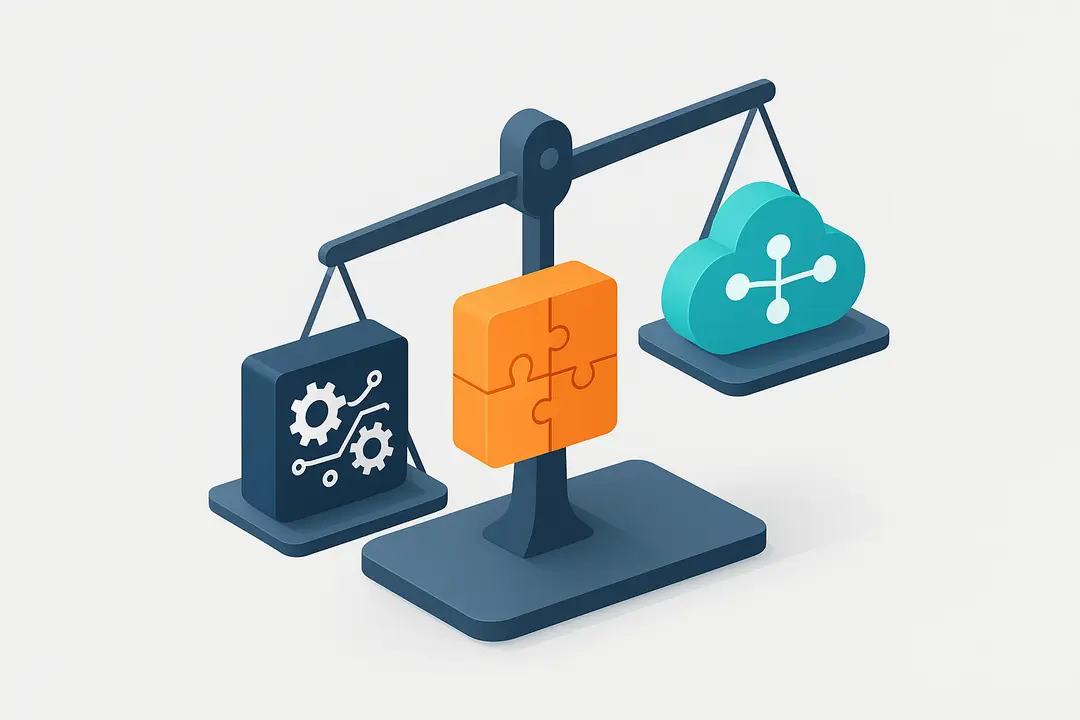
Before starting CRM development, decide whether you really need a custom CRM or whether a SaaS or no-code option can solve your problem.
| CRM Option | Best For | Pros | Cons |
|---|---|---|---|
| Custom CRM | Unique workflows, complex integrations, data control | Fully tailored, scalable, flexible | Higher cost, longer timeline |
| SaaS CRM | Standard sales and support processes | Fast setup, proven features, managed updates | Less control, subscription costs |
| No-Code CRM | Small teams, quick setup, prototypes | Fast, affordable, easier to edit | Limited scalability and customization |
Choose a custom CRM when your workflow is complex or your business needs long-term control.
Choose a SaaS CRM when your needs are common and you want to launch quickly.
Choose a no-code CRM when you need a simple internal tool or want to test an idea before investing in full development.
What Are the Core Features & Components of a Successful CRM System?
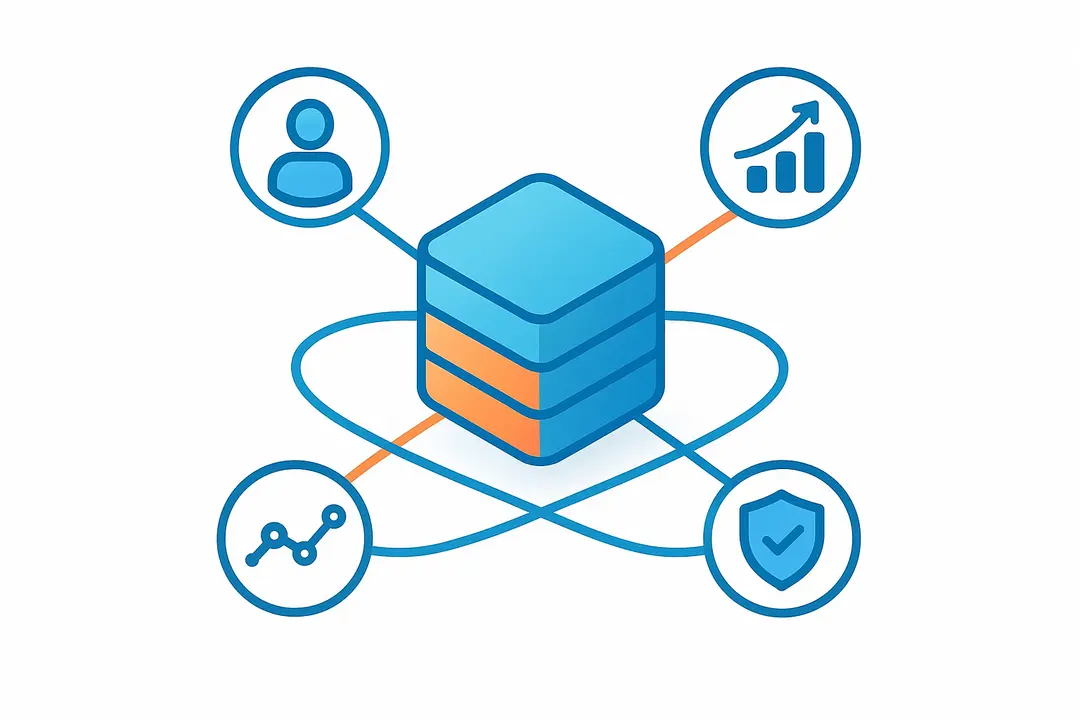
A good CRM should be simple enough for daily use but powerful enough to support sales, customer management, and business reporting.
1. Contact And Lead Management
This is the foundation of any CRM. It stores customer names, contact details, company information, lead source, deal history, notes, and communication logs.
This feature helps teams avoid scattered information and gives everyone one source of truth.
2. Sales Pipeline Tracking
Sales pipeline tracking helps teams see where each deal stands. Common stages include new lead, contacted, qualified, proposal sent, negotiation, won, and lost.
This makes it easier to forecast revenue, identify bottlenecks, and prioritize high-value opportunities.
3. Task And Follow-Up Automation
A CRM should help users remember what needs to happen next. Automated reminders, task assignments, email triggers, and follow-up alerts can reduce manual work.
For example, if a lead has not been contacted in three days, the CRM can automatically remind the assigned sales rep.
4. Communication History
A strong CRM should track emails, calls, meetings, support tickets, and notes. This gives sales and support teams better context before speaking with a customer.
5. Analytics And Reporting
Reports help managers understand performance. A CRM should show metrics like lead conversion rate, deal value, sales cycle length, customer activity, and team performance.
6. User Roles And Permissions
Not every user should see or edit everything. Role-based access helps protect sensitive customer data and keeps the CRM secure.
7. Integrations
Most CRMs need to connect with other tools, such as email, calendars, billing software, marketing automation platforms, helpdesk tools, and project management systems.
8. Data Security
CRM systems store sensitive customer data, so security should be planned from the beginning. This includes encryption, access control, audit logs, backups, and compliance checks.
How to Build a CRM System: Step-by-Step Framework
![[TL;DR] 8-Step Summary: How to Build a CRM System](https://riseuplabs.com/wp-content/uploads/2026/05/tldr-8-step-summary-how-to-build-a-crm-system.webp)
Building a CRM system requires clear goals, stakeholder buy-in, iterative development, and continuous optimization.
Below is the definitive, schema-aligned end-to-end process used by expert CRM architects.
Step 1 – Define Business Goals and Use Cases
Start by aligning your CRM vision to high-impact business goals.
Gather input from sales, support, marketing, and execs to clarify desired outcomes.
- Identify biggest pain points (e.g., lost leads, manual reporting)
- Set measurable objectives (e.g., +20% conversion rate)
- Inventory primary CRM use cases (pipeline, sales process, support tracking)
- Engage all relevant departments for buy-in
Templates: Internal survey, goals matrix, use case workbook
Step 2 – Gather User and Stakeholder Requirements
Collect requirements directly from people who’ll use the CRM.
This step reduces rework and increases user adoption.
- Host workshops or interviews with end-users
- Document user stories (e.g., “As a sales manager, I need to…”)
- Distill a prioritized MVP feature set based on urgency and value
- Identify compliance or security constraints early
Step 3 – Choose Your CRM Approach and Tech Stack
Decide between custom build, no-code, or SaaS—matching your resources and timeline.
- Custom: Backend (Node.js, Ruby, Python), frontend (React, Angular, Vue), database (Postgres, MongoDB)
- No-code: Drag-and-drop builders (Softr, Creatio), spreadsheet-based (Airtable)
- SaaS: Salesforce, HubSpot as drop-in options for many needs
Evaluate:
- Internal tech skills and capacity
- Budget and urgency
- Scale and integration requirements
Step 4 – Design CRM Architecture and User Interface
Create a clear, secure, and scalable design.
- Draft architecture diagrams showing data flow, integrations, and security zones
- Map database schema (contacts, deals, activity logs)
- Design wireframes prioritizing ease-of-use and fast onboarding
- Consider future integrations and scalability from the start
Step 5 – Build Your CRM MVP (Minimum Viable Product)
Develop a streamlined first version to get early feedback.
- Start with must-have modules: contacts, pipeline, dashboards
- Use phased rollout—release early, gather real input, iterate quickly
- Keep scope minimal to avoid delays
MVP development minimizes risk and aligns features with actual needs.
Step 6 – Integrate with Third-Party Business Tools
Modern CRMs must connect seamlessly to existing tools.
- Typical integrations: email systems, calendars (Google/Outlook), marketing automation, billing platforms
- Use APIs, native app connectors, or automation tools (Zapier, Make)
- Document key integration points and set up secure data flows
Example: Auto-log emails in CRM or sync deal stages to project management tools.
Step 7 – Test, Iterate, and Optimize
Rigorous testing ensures the CRM works as expected.
- Build a test plan covering core workflows, permissions, integrations, and reporting
- Run pilot programs with real users for feedback
- Prioritize fixes and refine UI/UX before wide deployment
Continuous improvement is vital for long-term user satisfaction.
Step 8 – Launch, Train, and Support Users
A strong rollout plan boosts adoption and ROI.
- Provide live or on-demand CRM training for each user group
- Share step-by-step guides and FAQ resources
- Designate support channels for feedback or troubleshooting
Change management and user engagement are critical for success.
Step 9 – Maintain, Scale, and Stay Compliant
Ongoing support, updates, and compliance prevent future challenges.
- Regularly push security updates and new features
- Monitor usage and scale infrastructure as users grow
- Audit against compliance frameworks (GDPR, HIPAA, etc.)
Tip: Schedule periodic reviews with all stakeholders.
CRM Development Cost And Timeline
The cost to build a CRM system depends on how complex the platform needs to be. A simple CRM with contact management and pipeline tracking will cost much less than a custom system with automation, advanced reporting, AI features, third-party integrations, and strict security controls.
| CRM Type | Estimated Cost | Timeline |
|---|---|---|
| No-Code CRM | $0–$10,000+ | 1–6 weeks |
| SaaS CRM Setup | $12–$150/user/month | Days to weeks |
| Basic Custom CRM | $20,000–$60,000 | 3–5 months |
| Mid-Level Custom CRM | $60,000–$150,000 | 5–8 months |
| Advanced Custom CRM | $150,000–$300,000+ | 8–12+ months |
The biggest cost drivers usually include the number of CRM modules, user roles, custom dashboards, workflow automation, integrations, data migration, security requirements, mobile access, AI features, and post-launch support.
To control cost, start with a focused MVP. Build the features your team needs most, test them with real users, and expand after adoption improves. This approach reduces waste and helps you avoid paying for features your team may not use.
Common Mistakes To Avoid In CRM Development
CRM projects often fail because teams focus too much on features and not enough on users, workflows, and adoption. Avoid these mistakes before development starts:
- Building Too Many Features At Once: A large first version increases cost, delays launch, and makes the CRM harder to use. Start with the most important workflows.
- Ignoring Real Users: Sales, support, marketing, and operations teams should be involved early. Otherwise, the CRM may not match daily work.
- Skipping Data Planning: Poor data structure can create duplicate records, weak reports, and messy customer profiles later.
- Underestimating Integrations: Email, calendar, billing, marketing, and legacy system integrations often take more time than expected.
- Weak User Training: A CRM can fail if users do not understand how to use it or why it matters.
- Poor Security Planning: Customer data should be protected with role-based access, encryption, backups, audit logs, and secure APIs.
- No Post-Launch Support: A CRM needs updates, bug fixes, workflow improvements, and user support after launch.
Industry-Specific CRM Considerations
Different industries need different CRM workflows, so your CRM should reflect how your business actually manages customers.
For healthcare, a CRM may need secure patient communication, consent tracking, access logs, and compliance-focused data handling.
For fintech, CRM features may include KYC records, transaction notes, approval workflows, risk scoring, and audit trails.
For real estate, a CRM may need property tracking, buyer preferences, lead sources, appointment scheduling, and deal stages.
For B2B SaaS, a CRM may include account health scores, renewal dates, onboarding status, support history, and customer success workflows.
For small businesses, the first CRM version should stay simple: contacts, leads, pipeline tracking, tasks, and basic reports.
The right CRM should support your industry’s process instead of forcing your team into a generic system.
Best Practices For Building A CRM System
A successful CRM should make work easier, not more complicated. Keep these best practices in mind during planning and development:
- Improve Continuously: Use feedback, analytics, and usage data to refine the CRM after launch.
- Start With Business Goals: Build around outcomes such as better follow-ups, cleaner reporting, faster sales cycles, or improved customer service.
- Keep The MVP Focused: Launch with core modules first, then improve based on user feedback.
- Involve End Users Early: Sales, support, and operations teams should help shape the workflows, fields, and dashboards.
- Design For Simplicity: A CRM should reduce clicks, save time, and make customer information easier to find.
- Plan Integrations Early: Email, calendar, billing, marketing, and support tools should be mapped before development begins.
- Prioritize Security: Use role-based access, encryption, backups, audit logs, and secure login practices.
- Train Users Properly: Adoption depends on clear onboarding, role-based training, and easy support resources.
Conclusion
Learning how to build a CRM system starts with understanding your business workflow. A successful CRM is not just a database for customer contacts. It is a system that helps teams manage leads, track deals, automate follow-ups, improve reporting, and build stronger customer relationships.
If your business has standard needs, a SaaS or no-code CRM may be enough. But if your workflow is unique, your integrations are complex, or your data requirements are strict, custom CRM development can give you more control and flexibility.
Start with clear goals, build a focused MVP, involve real users, test carefully, and improve after launch. With the right approach, your CRM can become a long-term business tool that supports sales, service, operations, and customer growth.
Frequently Asked Questions About Building CRM Systems
What Is A CRM System?
A CRM system is software that helps businesses manage customer data, leads, sales activities, support conversations, and relationship history in one place. It improves follow-ups, team collaboration, reporting, and customer management.
How Do You Build A CRM System?
To build a CRM system, define business goals, gather user requirements, choose a CRM approach, design the system, build an MVP, add integrations, test workflows, launch with training, and improve the CRM over time.
How Much Does It Cost To Build A CRM System?
A custom CRM can cost from $20,000 to $300,000+, depending on features, integrations, security, team size, and complexity. No-code CRMs cost less, while SaaS CRMs usually charge monthly per user.
How Long Does CRM Development Take?
A basic custom CRM may take 3–5 months, while a complex CRM with integrations and advanced automation can take 8–12+ months. No-code and SaaS CRM setups can launch much faster.
What Features Should A CRM System Have?
A CRM should include contact management, lead tracking, sales pipeline, task reminders, communication history, reporting dashboards, user roles, security controls, and integrations with business tools.
Should I Build Or Buy A CRM?
Build a CRM if you need custom workflows, deep integrations, full data control, or industry-specific features. Buy a SaaS CRM if standard features meet your needs and you want faster setup.
Can I Build A CRM Without Coding?
Yes. You can build a simple CRM without coding using tools like Airtable, Softr, Creatio, or other no-code platforms. However, complex workflows and advanced integrations may require custom development.
What Is Custom CRM Development?
Custom CRM development is the process of building CRM software tailored to a company’s specific workflows, data structure, user roles, integrations, reporting needs, and security requirements.
What Tech Stack Is Best For CRM Development?
Common CRM development stacks include React, Angular, Vue, Node.js, Python, Java, Ruby on Rails, PostgreSQL, MongoDB, AWS, Azure, and Google Cloud. The best stack depends on your project needs.
How Do You Ensure CRM Data Security?
Use role-based access, encryption, multi-factor authentication, secure APIs, audit logs, regular backups, and compliance reviews. CRM security should be planned before development begins.
This page was last edited on 2 June 2026, at 12:50 pm

Start a conversation with our team to solve complex challenges and move forward with confidence.










