
Cloud software is transforming how businesses deliver value, scale, and adapt to a digital-first world. Businesses and developers are moving away from traditional software models in favor of cloud-based applications, seeking flexibility, global reach, and lower costs. However, first-time founders, technical teams, and product leaders often struggle with fragmented information, vendor bias, and unclear steps.
This guide delivers a practical, vendor-neutral, and up-to-date roadmap for how to build a cloud software—covering planning, platform selection, architecture, development, deployment, and ongoing operations. By following this playbook, you’ll avoid costly pitfalls, optimize for security and scale, and launch cloud-based applications with confidence.
What you’ll achieve: Clear steps, vetted tools, actionable checklists, and cost strategies for building your next cloud software project—whether you’re launching a SaaS, internal tool, or modernizing legacy software.
What Is Cloud Software?
Cloud software refers to applications or services delivered over the internet and hosted on remote infrastructure, offering flexibility, scalability, and ongoing updates without local installation.
Defining Cloud Software
- Cloud Software: Software that runs on remote, internet-connected servers (the “cloud”)—not on local machines.
- Cloud-Based Application: Any app accessed via a browser or API, where resources are managed by a third-party cloud provider.
Primary Cloud Service Models
| Model | Description | Example Use Case |
|---|---|---|
| SaaS (Software as a Service) | Complete apps delivered via the web | Gmail, Salesforce |
| PaaS (Platform as a Service) | Developer-ready environments; abstracts infrastructure management | Heroku, Google App Engine |
| IaaS (Infrastructure as a Service) | Virtualized computing resources | AWS EC2, Azure VMs |
Cloud-native apps are built specifically for the cloud, using microservices, API-driven design, and automation. In contrast, legacy or on-premise apps run on local infrastructure—often with more complexity and less agility.
Key Benefits of Cloud Software
- Scalability: Handle user growth or seasonal spikes instantly.
- Lower Costs: Pay only for what you use; eliminate hardware.
- Speed & Flexibility: Deploy updates fast, experiment safely.
- Automatic Updates: Security patches and new features delivered centrally.
Cloud software powers everything from startups’ SaaS products to enterprise collaboration and global e-commerce.
Planning Your Cloud Software Project: What Do You Need for Success?
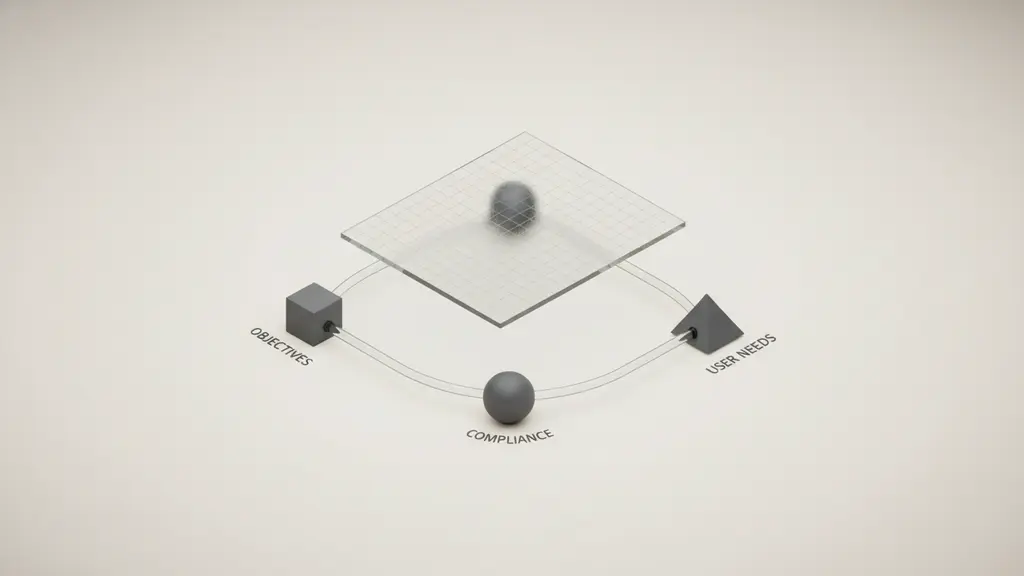
Planning is essential to align goals, avoid rework, and set up your cloud project for success.
Start by clarifying what you want to achieve, who your users are, and the minimum required features. Map out technical needs early to prevent costly changes later.
Setting Clear Objectives and Project Requirements
Success begins by documenting your goals, critical features, and constraints.
- Define Business Objectives: What market problem are you solving? How will cloud deployment support growth?
- Map User Personas & Use-Cases: Identify primary users and their core needs.
- Prioritize Features: Distinguish between “must-have” (MVP) and “nice-to-have.”
- Legal/Compliance Considerations: Data residency, privacy laws (e.g., GDPR), industry regulations.
Simple Requirements Table
| Objective | User Need | Feature | Priority | Compliance/Notes |
|---|---|---|---|---|
| Manage data | Secure storage | Encrypted DB | High | GDPR/SOC2 |
| Collaborate | Share documents | File uploads | Medium | Geo-restriction? |
| Integrate | 3rd-party APIs | OAuth | Low |
Choosing the Right Cloud Model: Public, Private, or Hybrid?
Selecting the optimal cloud deployment model is critical for cost, flexibility, and compliance.
| Model | Pros | Cons | Best For |
|---|---|---|---|
| Public | Fast setup, low cost, scale | Shared infra, less control | Most SaaS, startups |
| Private | Full control, custom security | High cost, manage infra | Regulated industries |
| Hybrid | Flexibility, on-prem control | Complex to manage, costly | Enterprises with legacy apps |
- Key Decision Factors:
- Data sensitivity and compliance
- Target scale and expected growth
- Budget flexibility
Most modern SaaS firms begin on public cloud (AWS, Azure, Google Cloud) for ease and scalability.
Selecting Your Cloud Platform (AWS, Azure, Google Cloud, Others)
Choosing the right cloud provider is fundamental—affecting performance, capabilities, and budget.
| Platform | Global Reach | Ease of Use | Specialty | Pricing Structure | Notable Services |
|---|---|---|---|---|---|
| AWS | Highest | Steep learning | Breadth, ecosystem | Pay-as-you-go, reserved | EC2, Lambda, RDS |
| Azure | Enterprise | Integrates w/ MS | Hybrid, Windows | Usage-based, reserved | App Service, CosmosDB |
| Google Cloud | Developer | Simple/modern | Data, ML, K8s | Usage-based, per-second | GKE, BigQuery |
| DigitalOcean | SMB/startup | Very simple | Fast deploy | Flat monthly tiered | Droplets, Spaces |
| Oracle/Alibaba | Regional | Specialty | Vertical options | Varies | Industry-specific |
Pro tips:
- Double-check regional/data center coverage for compliance.
- Evaluate free tiers, credits, and support.
- Avoid provider lock-in—prefer cloud-agnostic tools (e.g., containers).
How Do You Design a Secure, Scalable Cloud Architecture?
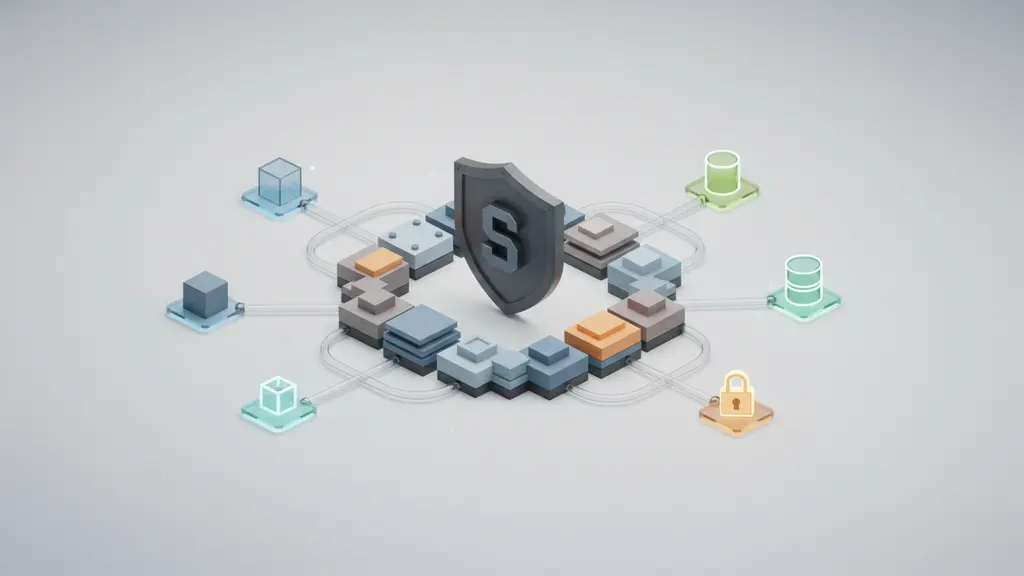
Designing robust cloud architecture ensures performance, security, and scalability from day one.
Modern cloud architectures leverage microservices, containers, and serverless components, integrating security and compliance at every stage.
Modern Architectural Patterns
- Microservices: Independent components for agility and fault isolation.
- Serverless Functions: Event-driven, pay-as-you-go compute (e.g., AWS Lambda).
- Containerization: Standardized deployment (Docker) and orchestration (Kubernetes).
- Multi-cloud/Hybrid: Distribute workloads for resilience or compliance.
Example: Typical SaaS Cloud Architecture Flow
[ Load Balancer ] → [ Microservices (Containerized) ] → [ Managed DB / Object Storage ] → [ CDN ]
                                           ↓
                                [ Auth & Security Services ]
Security Essentials
Cloud security is non-negotiable—plan from the start.
- Data Encryption (in transit and at rest)
- Identity and Access Management: Use least-privilege, MFA, federated identities.
- Compliance Controls: Align to GDPR, SOC2, HIPAA (as relevant)—audit readiness.
- Vulnerability Management: Automated patching, WAFs, regular pen testing.
Building for Scalability and High Availability
- Redundancy: Multi-AZ (availability zones), failover.
- Auto-Scaling: Match resources to demand.
- Disaster Recovery: Snapshots, cross-region replication.
- Monitoring/Logging: Proactive alerts, SLO/SLA tracking.
Storage and Data Management
- Relational Databases: Managed (e.g., Amazon RDS, Azure SQL).
- NoSQL/Document Stores: Scale horizontally (e.g., MongoDB, DynamoDB).
- Object Storage: For files/media (e.g., S3, Google Cloud Storage).
- CDN: Global asset delivery, latency reduction.
Tip: Consider future growth—choose managed services where possible to reduce operational burden.
What Tech Stack & Tools Do You Need to Build Cloud Software?
The right technology stack accelerates development and simplifies long-term maintenance.
Top Programming Languages for Cloud Apps
- JavaScript/TypeScript: Web apps, Node.js APIs, serverless.
- Python: APIs, automation, data processing, ML integration.
- Go (Golang): High-performance cloud services (esp. Google Cloud).
- Java, C#: Enterprise, hybrid cloud, established ecosystems.
Popular Frameworks and Accelerators
| Framework | Best Use Cases | Cloud Alignment |
|---|---|---|
| Node.js | REST APIs, real-time | Serverless, PaaS |
| Django (Python) | Rapid web/MVP | PaaS, serverless |
| Flask (Python) | Lightweight microservices | PaaS, microservices |
| Serverless (Framework) | Lambda/FaaS | Multi-cloud/serverless |
| Firebase | Mobile backends | GCP, real-time |
| .NET Core | Enterprise/SaaS | Microsoft Azure |
Low-code/No-code: Options like OutSystems, Mendix, or AWS Honeycode accelerate delivery but may limit customization—suitable for non-core/spin-off apps.
DevOps Toolchain Essentials
- Version Control: Git (GitHub, GitLab, Bitbucket)
- CI/CD Pipelines: GitHub Actions, GitLab CI, Jenkins, Azure DevOps
- Containerization/Orchestration: Docker, Kubernetes, Amazon ECS
- Infrastructure as Code (IaC): Terraform, AWS CloudFormation, Pulumi
Example Toolchain for a Web SaaS
- Code: JavaScript (Node.js) + React
- Source Control: GitHub
- CI/CD: GitHub Actions → Docker Build
- Deploy: AWS (ECS/Fargate), managed PostgreSQL
- Monitoring: Datadog, CloudWatch
What Are the Key Steps to Building and Deploying Cloud Software? (Step-by-Step)
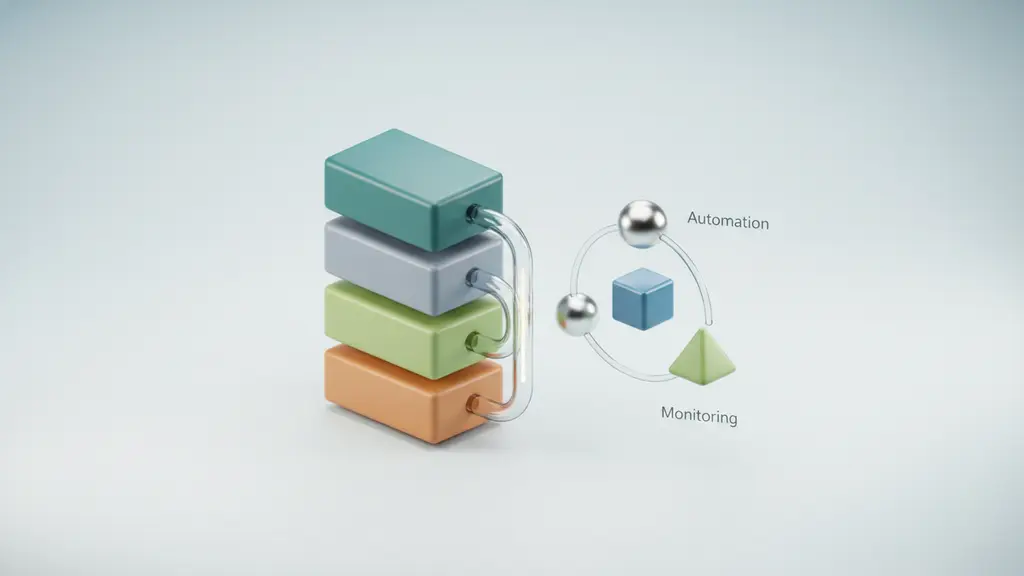
Building cloud software requires a structured process, from setup to launch and monitoring.
Steps to Build a Cloud Software Application
- Set up your Cloud Environment
- Register with your chosen platform (AWS, Azure, etc.)
- Configure billing, security accounts, basic infra.
- Develop the Core Application
- Code core services/modules, focusing on MVP features.
- Use local/cloud dev environments.
- Implement Persistent Cloud-Native Storage
- Set up databases (SQL/NoSQL), connect and migrate data.
- Implement storage security best practices.
- Add Authentication, Security, and Compliance
- Enable user auth (OAuth, SSO).
- Apply IAM, encryption, and audit tracking.
- Automate Testing and Deployment (CI/CD)
- Write automated tests (unit, integration).
- Set up CI/CD pipelines for streamlined releases.
- Provision Cloud Infrastructure (IaC)
- Describe all services/infrastructure as code.
- Version and reuse infra configs.
- Deploy to the Chosen Platform
- Deploy containers or serverless functions.
- Validate environments (staging, production).
- Monitor, Log, and Iterate
- Configure cloud monitoring/logging.
- Set up alert rules, analyze usage, and release updates.
Each step is critical—rushing invites technical debt and security risks.
How Do You Handle Monitoring, Scaling, and Optimization?
Ongoing monitoring and proactive scaling ensure your cloud software stays reliable and cost-effective after launch.
- Monitoring Tools: AWS CloudWatch, Google Operations Suite, Datadog, Prometheus.
- Autoscaling: Dynamically adjust resources to user demand.
- Load Balancing: Distribute user requests to optimize performance.
- Alerting: Automated issue detection with ops playbooks for incidents.
- Performance Optimization: Analyze logs and metrics, fix slow queries/endpoints, right-size infrastructure.
- SLOs/SLAs: Set and track realistic service targets.
Incident Playbook Example:
- Alert triggered by CPU spike.
- Automatic scale-out adds capacity.
- Engineer reviews logs, patches root issue.
- Post-mortem updates future scaling rules.
How Should You Manage Costs and Budget for Cloud Software?
Cloud cost management prevents budget overruns and identifies savings opportunities.
Key Cost Drivers
- Compute/Processing (VMs, functions, serverless)
- Storage/Data Transfer (DBs, object stores, CDN)
- Support & Add-Ons
Cloud Pricing Models:
- Pay-as-you-go: Only pay for actual usage; best for start/scale.
- Reserved/Committed: Long-term discount for reserved usage.
Cost Optimization Strategies
- Use free tiers, vendor credits, and cost dashboards.
- Monitor with tools like InfraCost and OpenCost (for Kubernetes).
- Automate shutdown of idle environments.
- Tag resources for accountability.
- Regularly review billing for anomalies or “orphaned” services.
Hidden Costs Checklist
- Unused resources not deleted
- Data transfer/egress fees
- Increasing support or premium service charges
- Early migration or integration work
What About Cloud Backup, Disaster Recovery, and Ongoing Maintenance?
Backups and disaster recovery planning ensure resilience against outages and data loss.
- Backups: Schedule regular (daily/weekly) and ad-hoc backups; automate where possible.
- Cross-Region Replication: Protect against regional failures.
- Disaster Recovery (DR) Plan: Define RPO (Recovery Point Objective) and RTO (Recovery Time Objective) targets; automate failover.
- Scheduled Updates: Routine patching of code, dependencies, and infrastructure.
- Documentation: Keep system docs, runbooks, and team knowledge bases current.
Maintenance Checklist
☐ Backups verified and tested
☐ Compliance/security reports updated
☐ Dependencies patched
☐ System capacity reviewed
☐ Documentation up to date
Key Steps and Decisions in Cloud Software Development
| Phase | Key Decision/Action | Recommended Tool/Approach | Pro Tip |
|---|---|---|---|
| Planning | Set goals & requirements | Simple table, user stories | Map to user value first |
| Cloud Model Selection | Public/private/hybrid | Vendor docs, decision tree | Consider compliance |
| Platform Selection | AWS/Azure/GCP/Alt | Matrix/table analysis | Check free credits |
| Architecture Design | Microservices/serverless | Diagrams, IaC | Plan for scale early |
| Development | Language/framework | Python/Node/Go + containers | Automate tests early |
| Deployment | CI/CD, infra provisioning | GitHub Actions, Terraform | One-click rollbacks |
| Monitoring/Ops | Monitoring, scaling, backup | DataDog, CloudWatch, S3 | Incident playbook ready |
| Cost Mgmt & DR | Budgeting, hidden costs | Cloud cost planner/tools | Review bills monthly |
FAQ: Frequently Asked Questions About Building Cloud Software
What steps are involved in building a cloud software application?
To build cloud software, you should define your goals, select a cloud model and provider, design a secure architecture, develop core features, automate testing and deployment with CI/CD, launch to the cloud, and implement ongoing monitoring and optimization.
Which programming languages are best for cloud-based software?
Top choices include JavaScript (Node.js), Python, Go, and Java. Your selection depends on your app’s needs and your team’s expertise; all major clouds support these languages.
How do I choose the right cloud platform for my project?
Consider your target region, compliance requirements, needed services (like AI, databases, IoT), pricing, support, and your team’s experience with each platform. AWS, Azure, and Google Cloud are the leading options, but specialized providers may suit some use cases.
What security measures are essential for cloud software?
Core practices include encrypting data at rest and in transit, strict access controls (IAM), secure authentication, compliance monitoring, and regular vulnerability assessments.
How much does it cost to develop a cloud application?
Costs vary based on resources used—compute, storage, data transfer, and support. Initial development can start with free/low-cost tiers, but ongoing expenses depend on scale. Use cloud cost calculators and regularly monitor usage to avoid surprises.
How do I ensure scalability and reliability in cloud software?
Leverage managed scaling (auto-scaling groups, serverless), redundancy (multi-AZ), load balancing, and active monitoring. Design for failure and automate backups and failover.
What are common challenges when building a cloud-based application?
Challenges include controlling costs, managing security/compliance, handling provider lock-in, and architecting for scale. Planning and choosing cloud-native tools early mitigates risks.
What is the difference between public, private, and hybrid cloud models?
Public clouds share infrastructure across customers; private clouds are dedicated for one organization; hybrid blends on-premises with cloud resources. Each offers trade-offs in cost, control, and compliance.
What tools or frameworks are recommended for cloud software development?
Popular tools include Docker/Kubernetes (containerization), Terraform (IaC), GitHub Actions (CI/CD), and frameworks like Django, Node.js, and .NET Core.
How do I handle data privacy and compliance in the cloud?
Encrypt sensitive data, restrict who can access resources, choose compliant regions/services, and document practices to align with relevant standards (GDPR, SOC2, HIPAA).
Conclusion
Building cloud software in 2026 is all about confident, stepwise execution—guided by clear objectives, cloud-native architecture, and practical tool choices. By following this playbook, you establish a resilient, scalable, and cost-effective foundation for your SaaS or digital business.
Key Takeaways
- Cloud software enables scalable, secure, and flexible applications for modern business needs.
- Careful planning and requirements gathering ensure project success and cost control.
- Choosing the right cloud model and provider is foundational—compare based on fit, not trend.
- Build with cloud-native patterns (microservices, containerization) and automate for speed and safety.
- Monitor, optimize, and budget proactively to minimize risk and maximize ROI.
This page was last edited on 9 July 2026, at 11:09 am

Start a conversation with our team to solve complex challenges and move forward with confidence.










